Slack Bot for Company research


Steps in this workflow




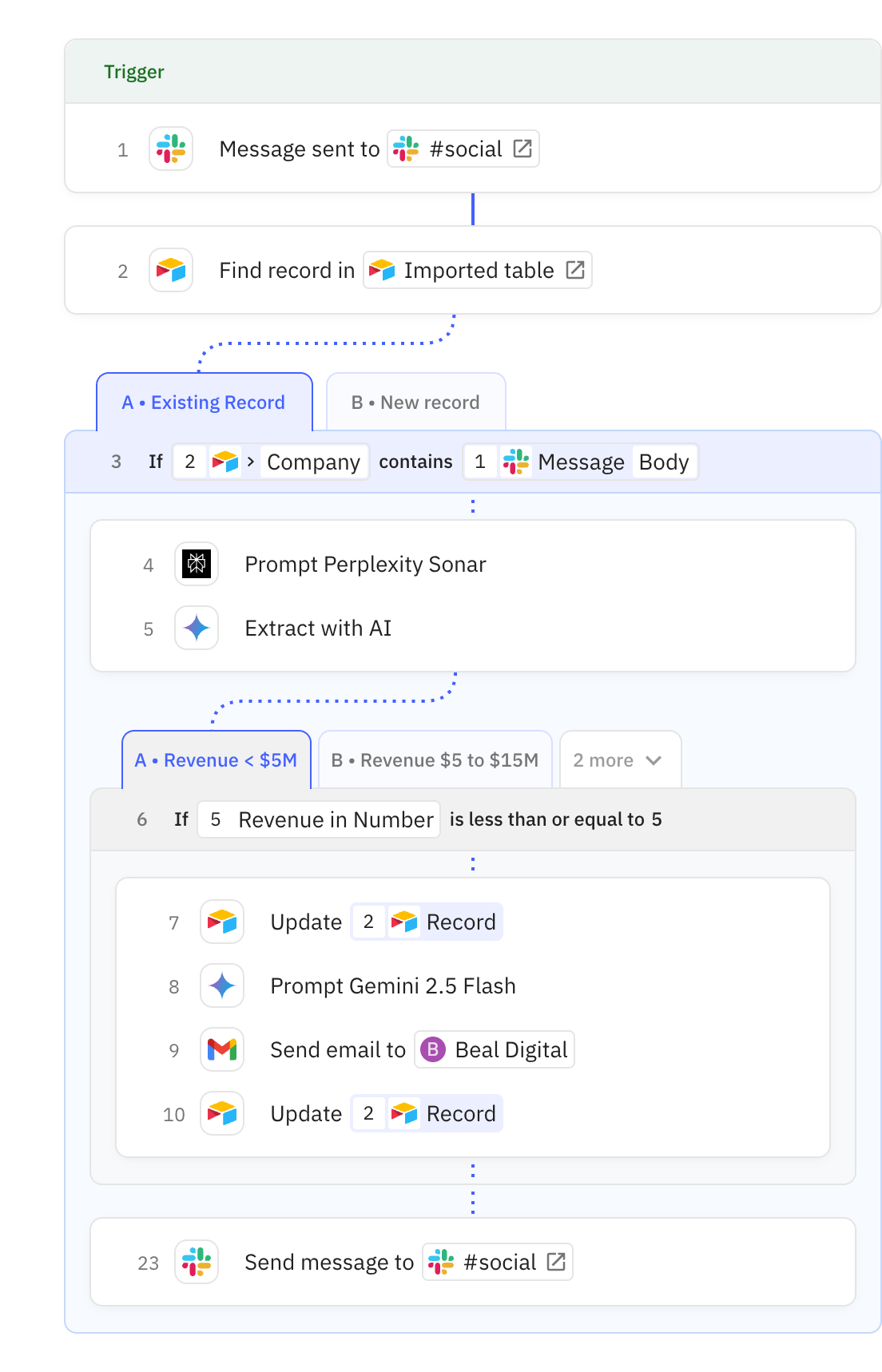
Automate company research and outreach by monitoring Slack messages for company mentions. Here's how it works:
- The workflow triggers when a message is posted to your specified Slack channel
- AI researches the company's details including website, revenue, and funding information
- The workflow either updates an existing Airtable record or creates a new one
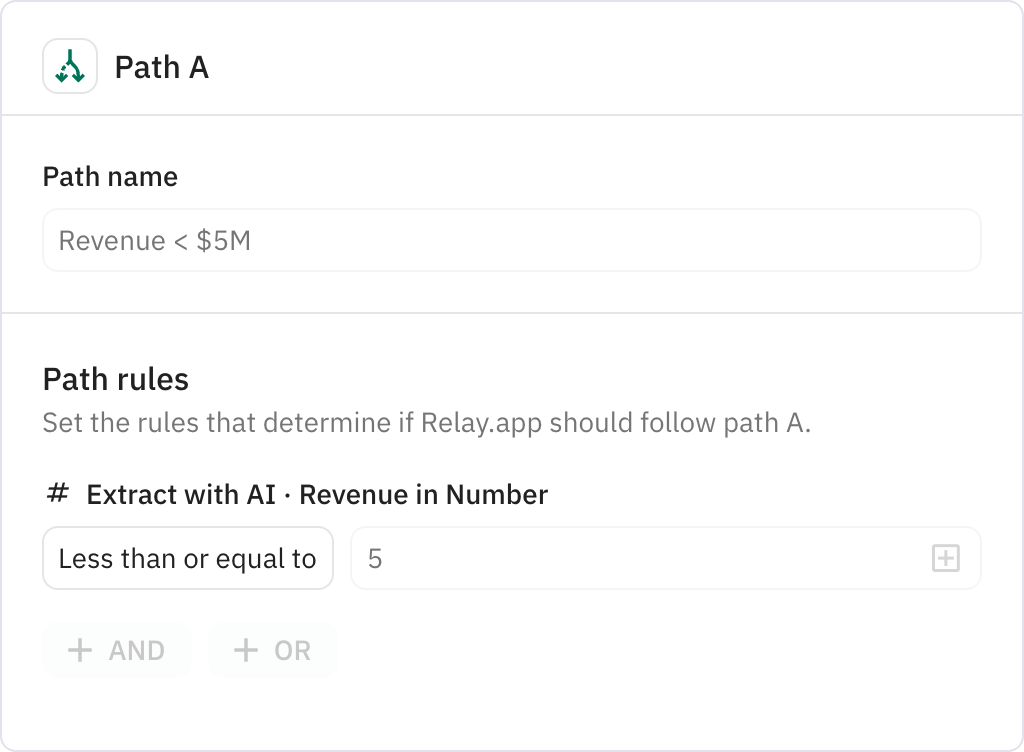
- It automatically sends personalized outreach emails based on the company's revenue tier
- A confirmation message is sent back to Slack when the process completes
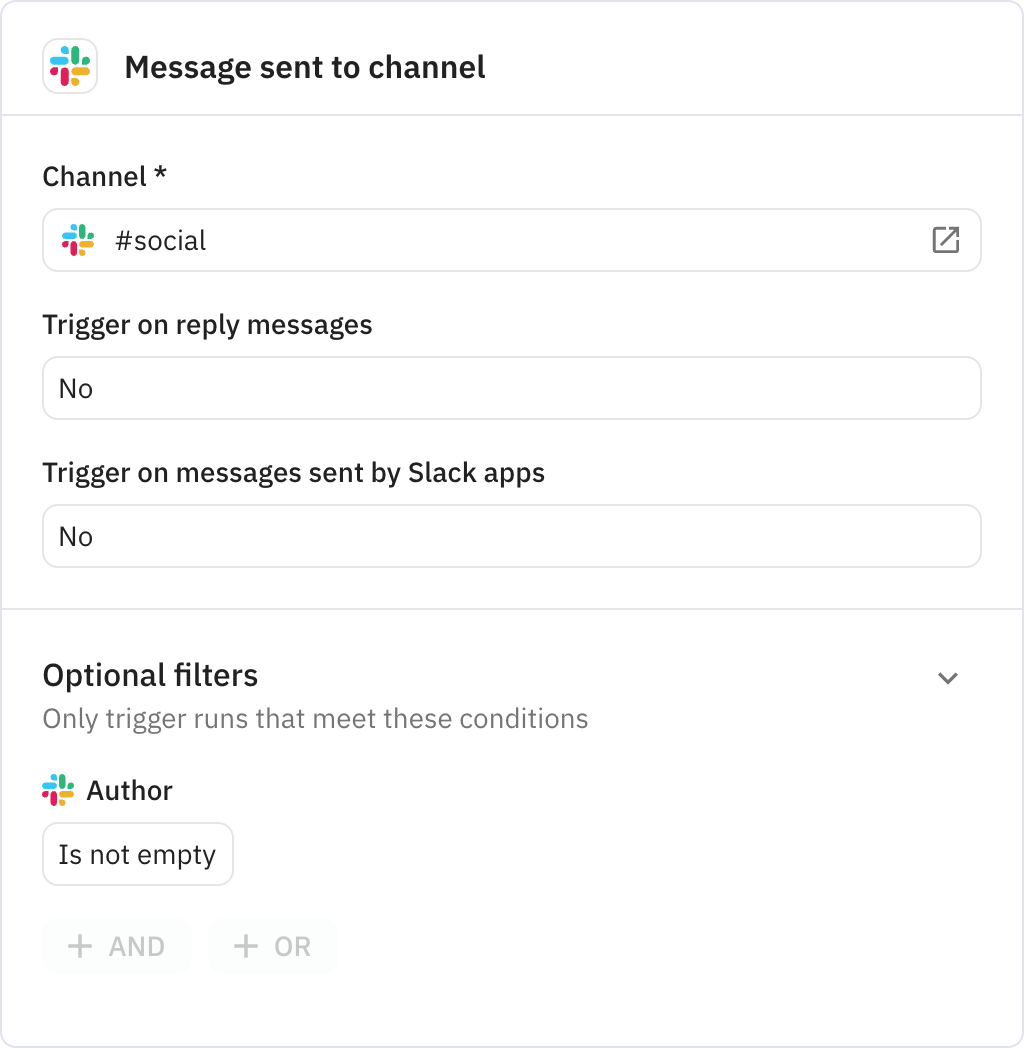
Monitors a specified Slack channel for new messages. The channel should be configured when setting up the workflow, and you can choose whether to include replies and bot messages.
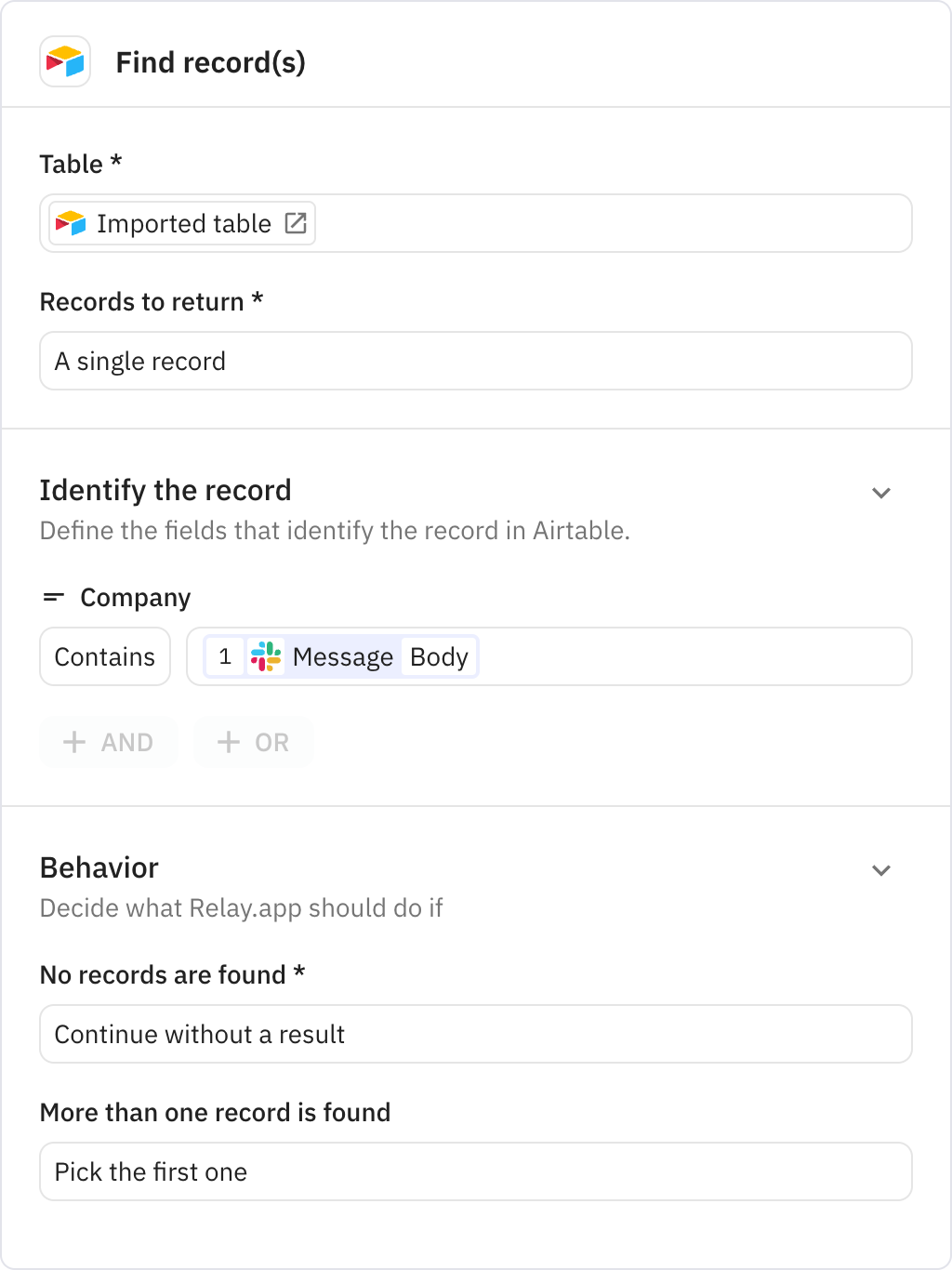
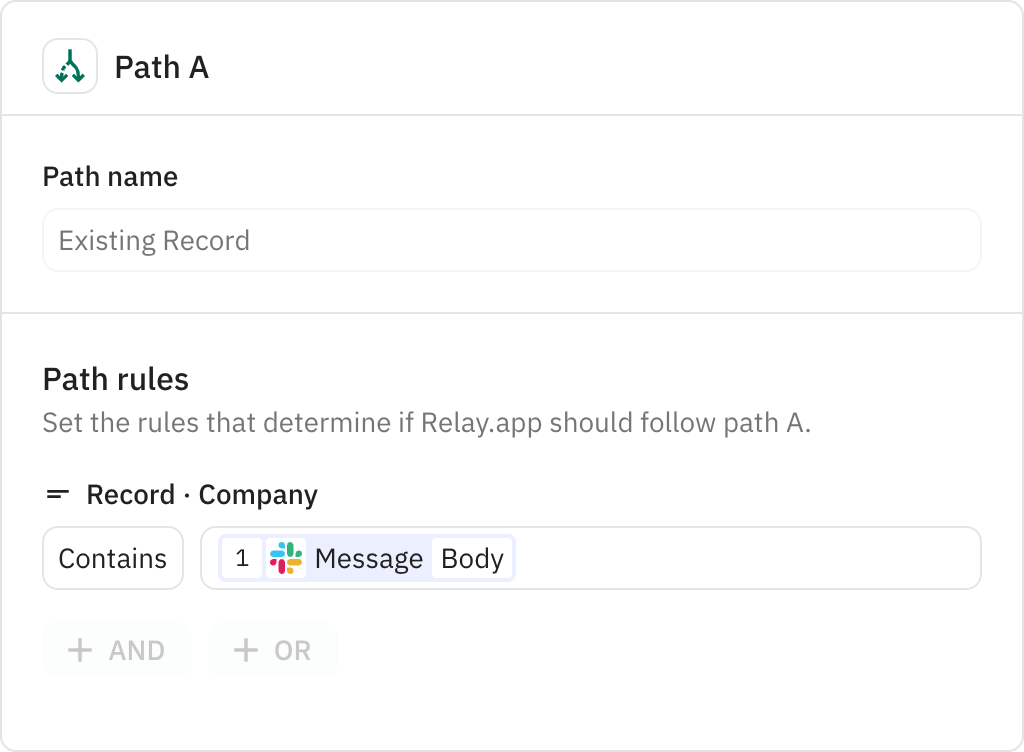
Searches for an existing company record in your Airtable table by matching the company name from the Slack message. If no record is found, the workflow continues without a result.
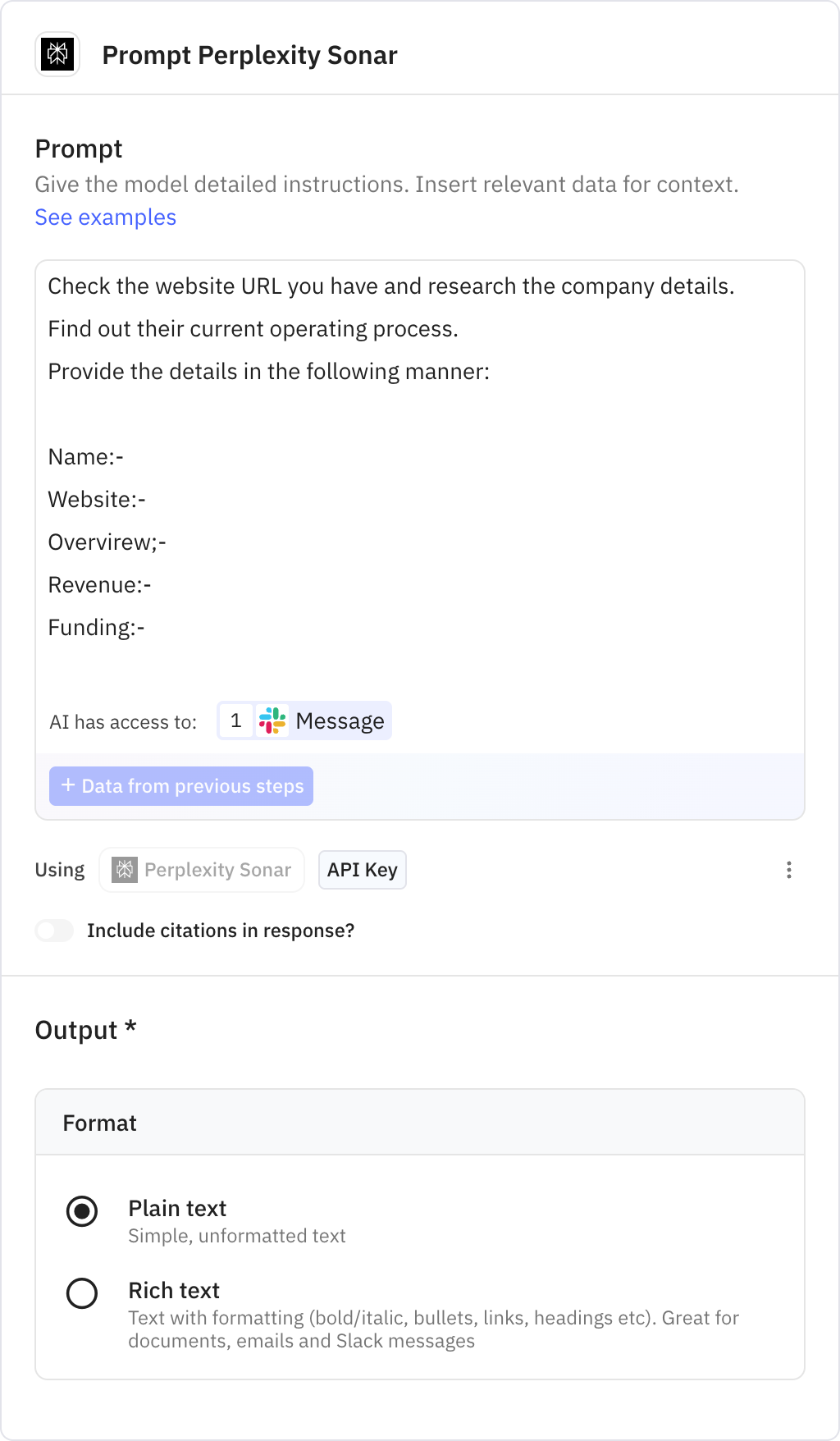
Uses Perplexity AI to research the company's website and gather detailed information. The AI extracts company name, website, overview, revenue, and funding details from online sources.
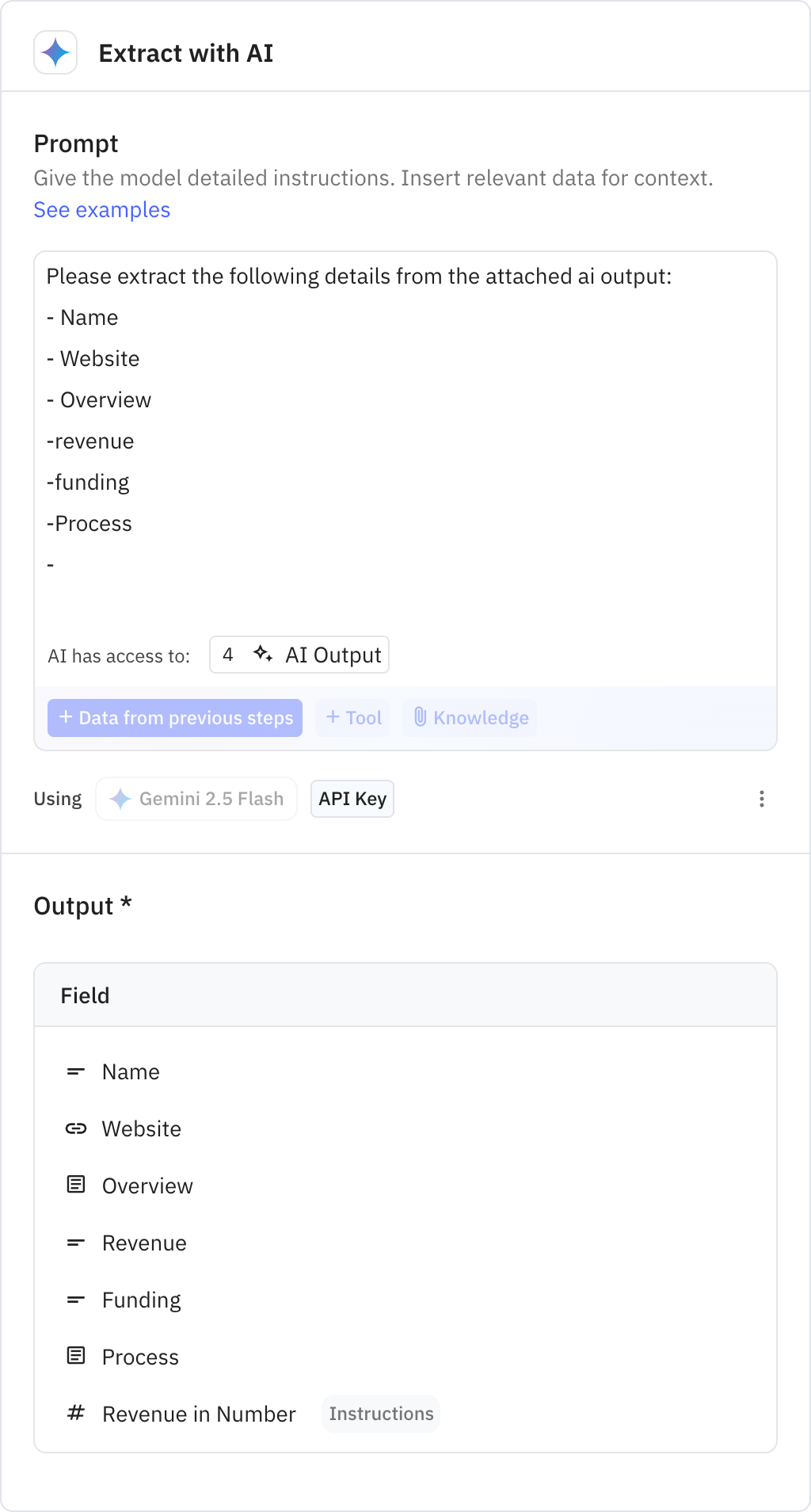
Processes the AI research output to extract structured data in a consistent format. This step ensures all company information is properly formatted for use in subsequent steps.
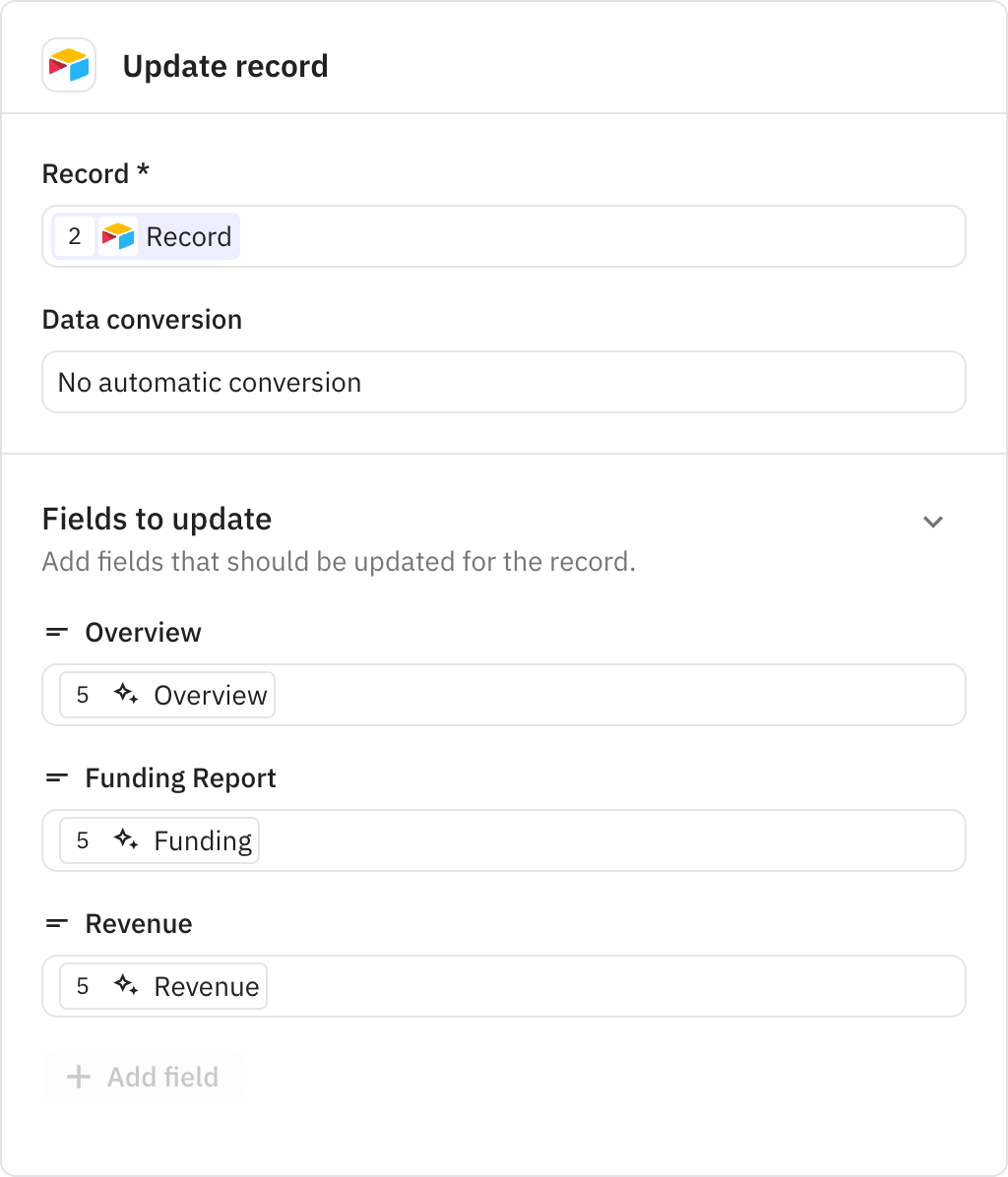
Updates the existing Airtable record with the researched company overview, funding report, and revenue information. This keeps your company database current with the latest information.
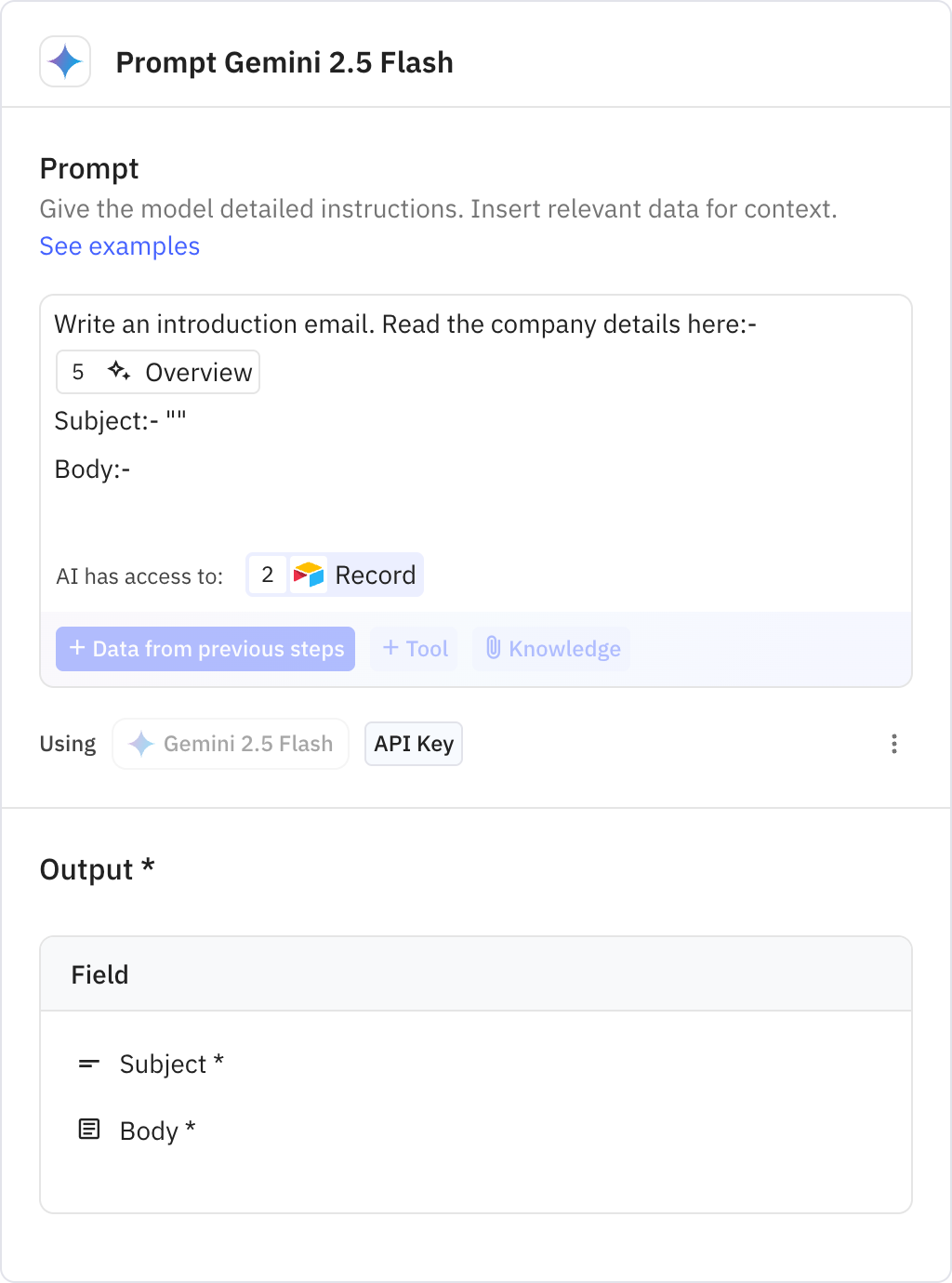
Generates a personalized introduction email using AI based on the company's profile. The email subject and body are tailored to the specific company and its characteristics.
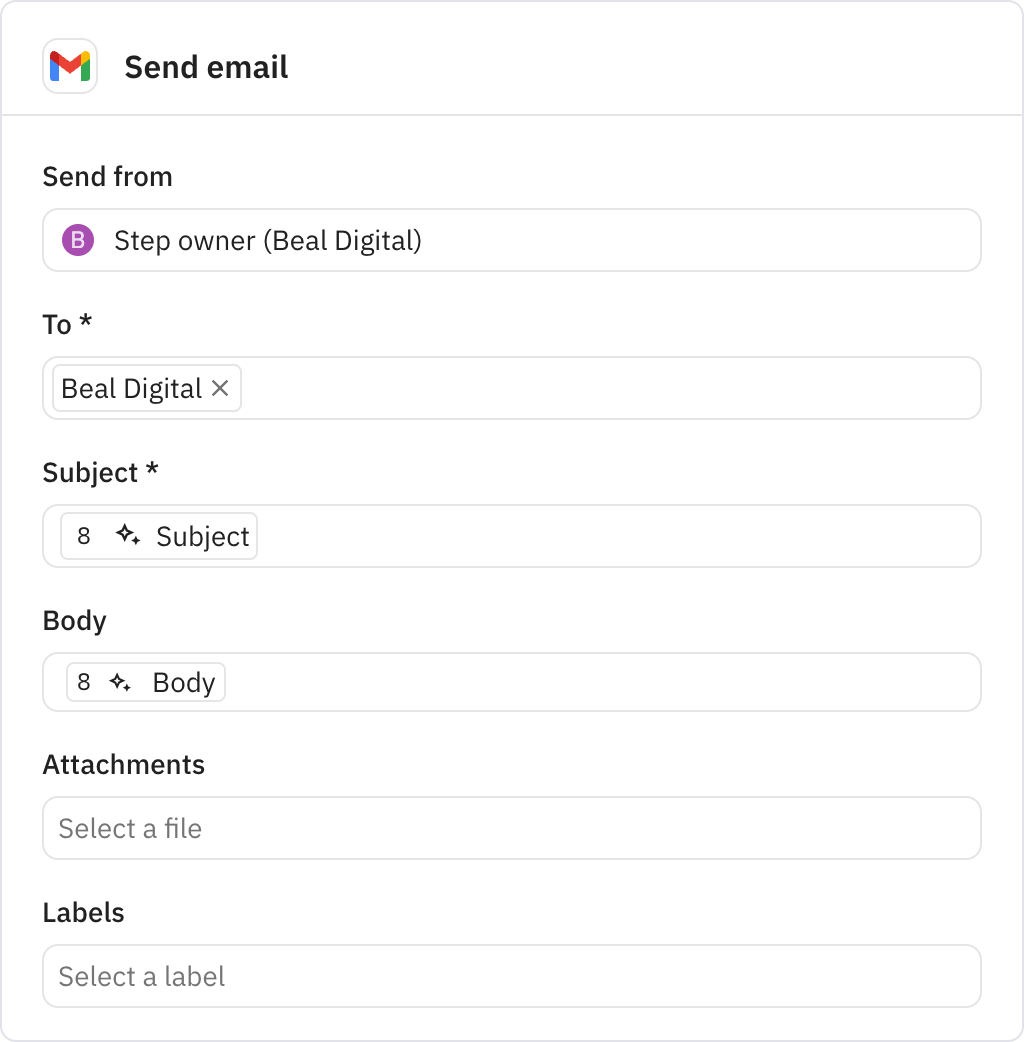
Sends the generated introduction email to the configured recipient address. The email includes the personalized subject line and body content created by the AI.
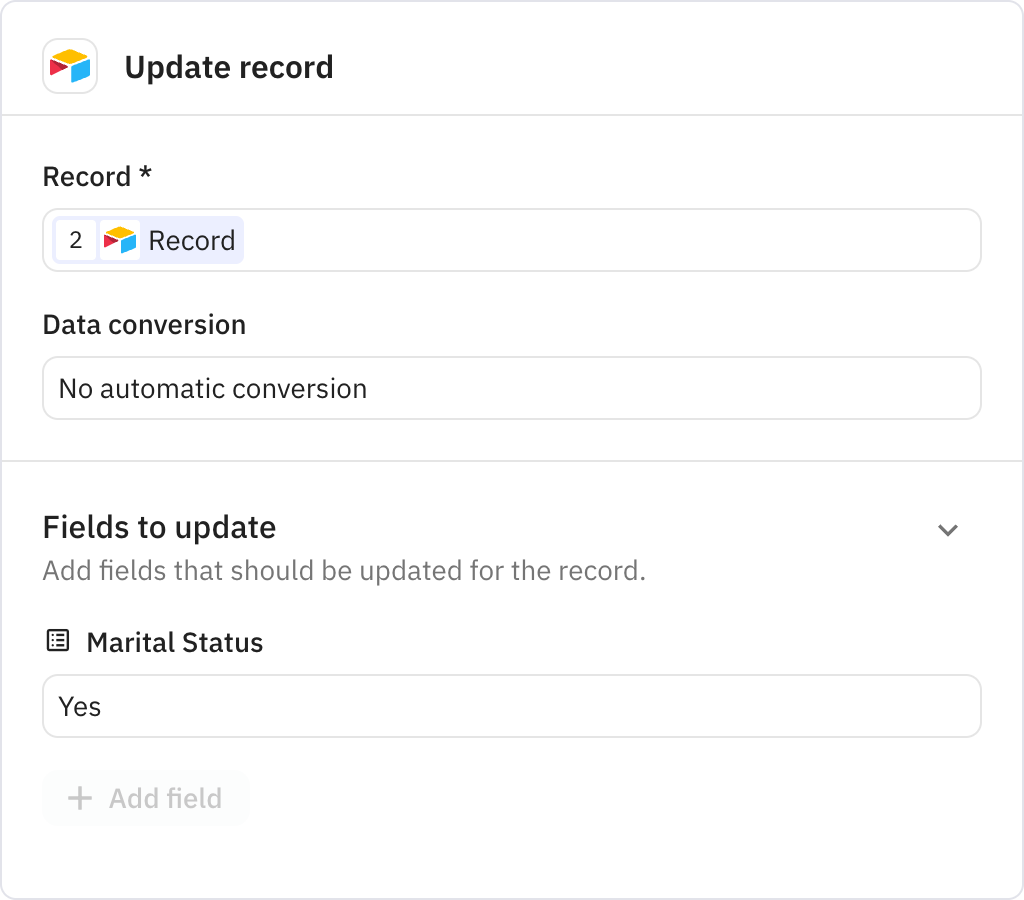
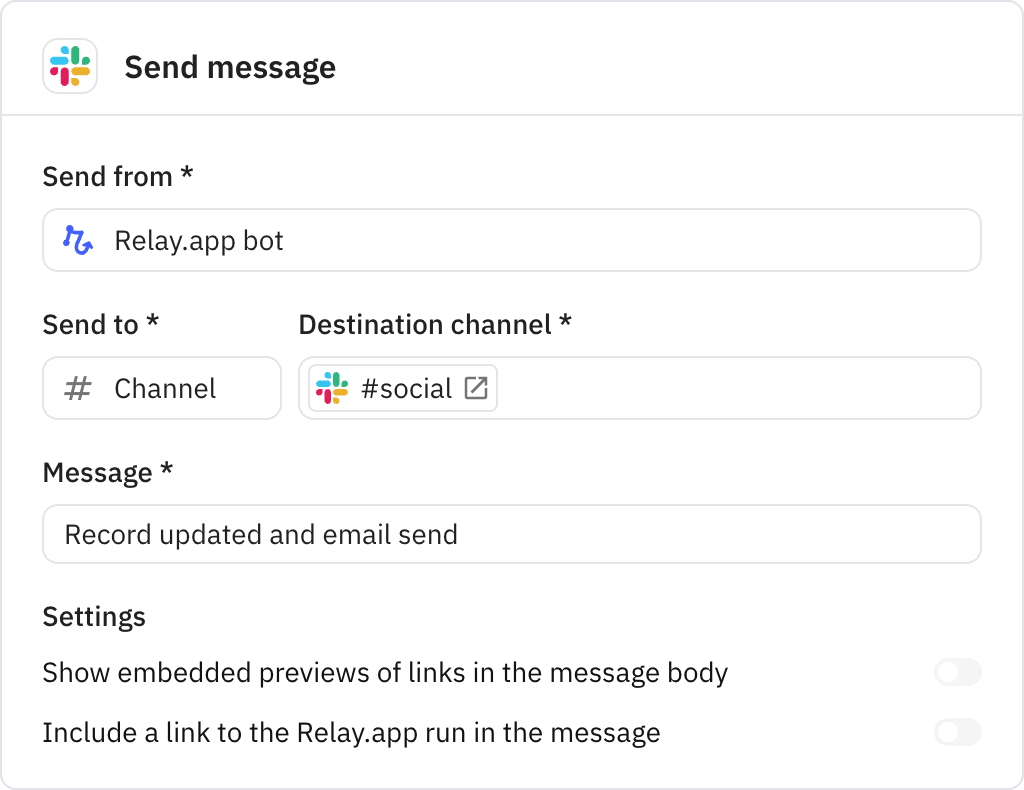
Posts a confirmation message back to the Slack channel indicating that the record has been updated and the email has been sent. This provides visibility into the workflow's completion.