Daily digest of multiple blog posts
 OpenAI
 Relay.app Team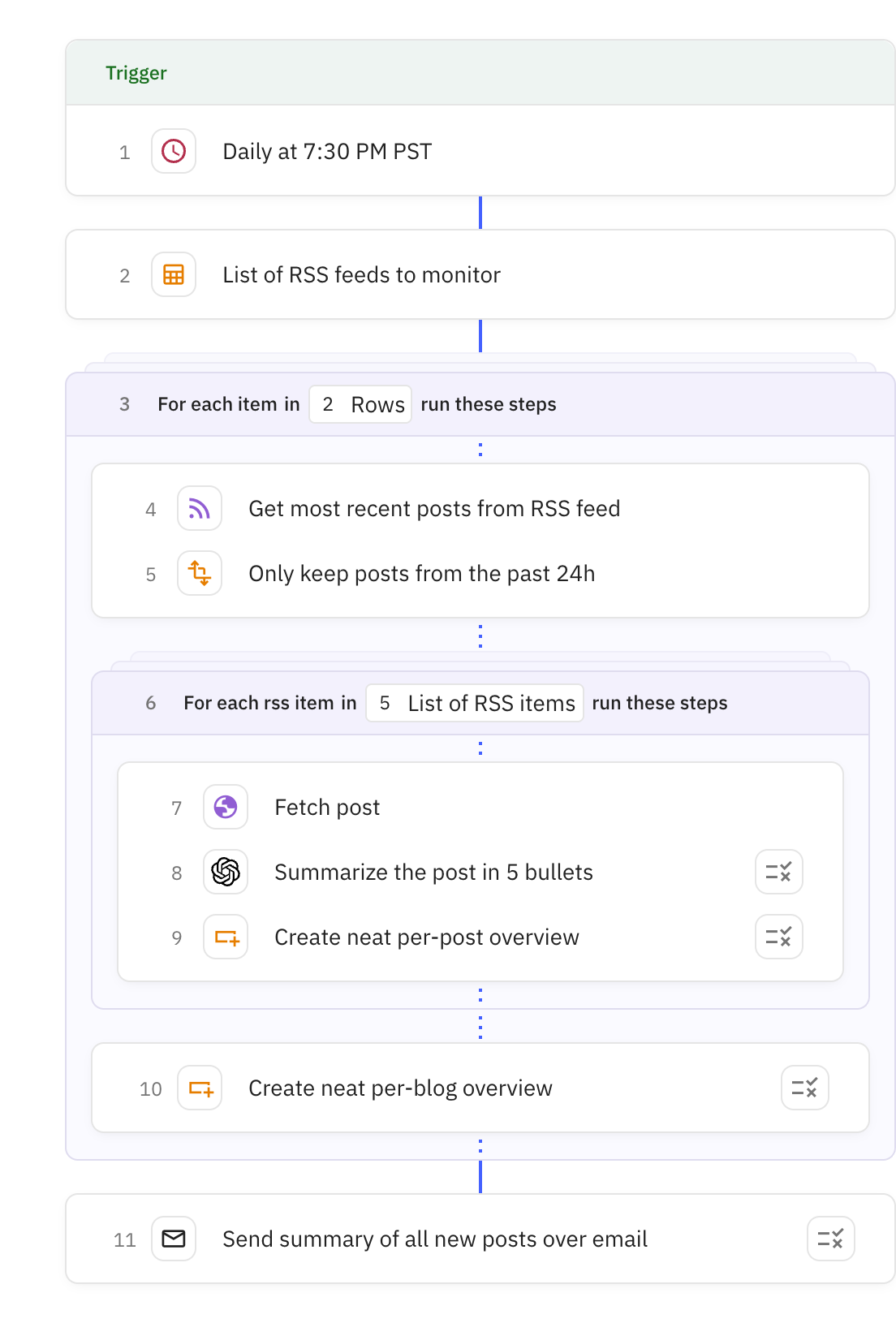
Steps in this workflow

Monitor multiple RSS feeds and automatically create a daily digest of new blog posts. Here's how it works:
- The workflow runs daily at a scheduled time
- It checks each configured RSS feed for new posts from the last 24 hours
- For each new post, it scrapes the full content and generates a concise 5-bullet summary
- All summaries are compiled into a single email digest organized by blog
- The formatted digest is automatically sent to your email inbox
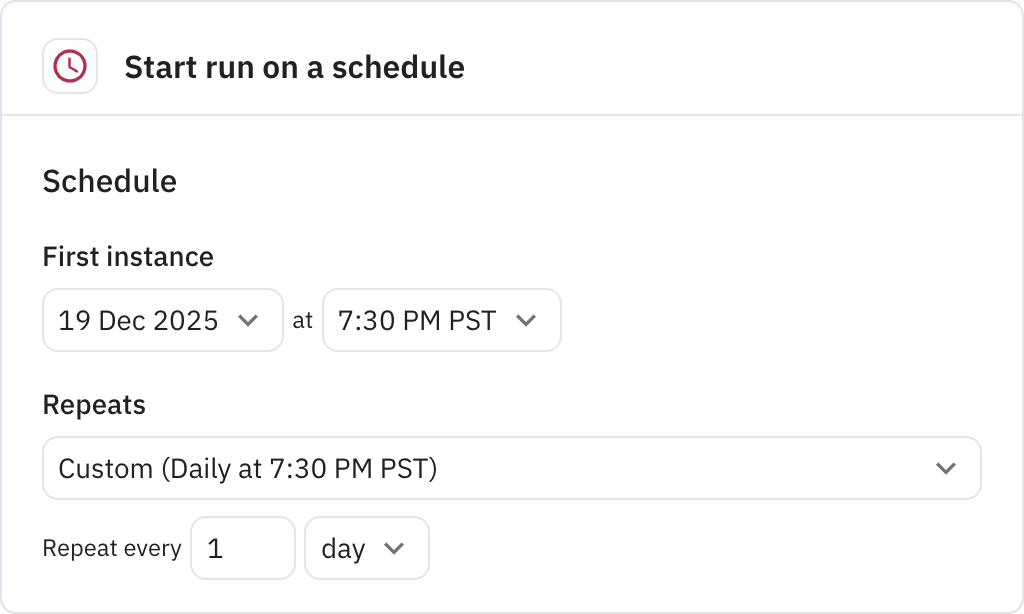
Triggers the workflow to run daily at 7:30 PM. You can configure the schedule to run at any time and frequency that works for your reading habits.
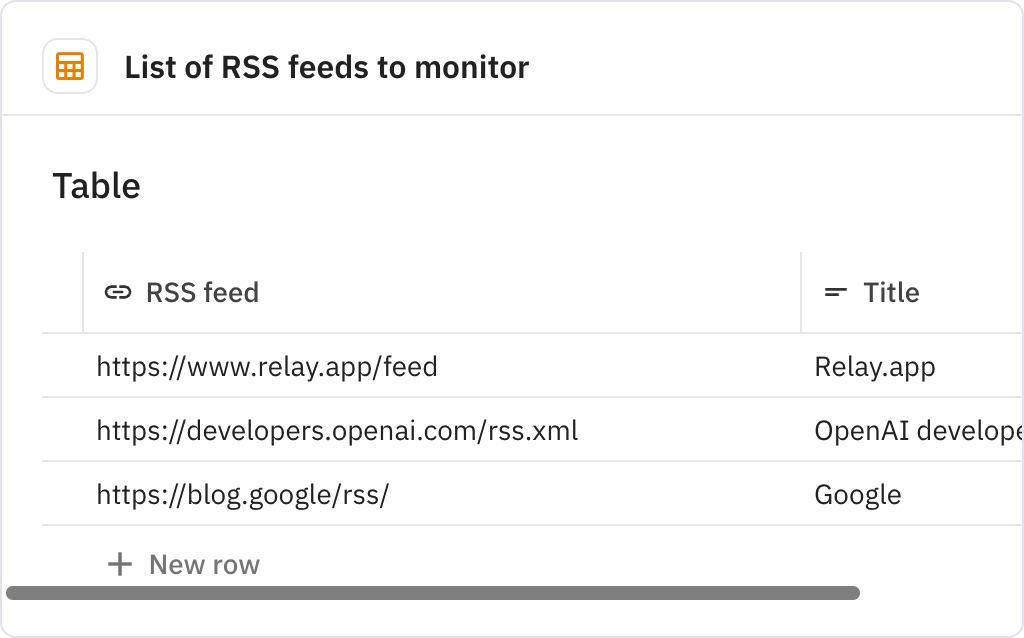
Creates a table containing the RSS feed URLs and titles of the blogs you want to monitor. This table serves as the source list for the workflow to check each day.
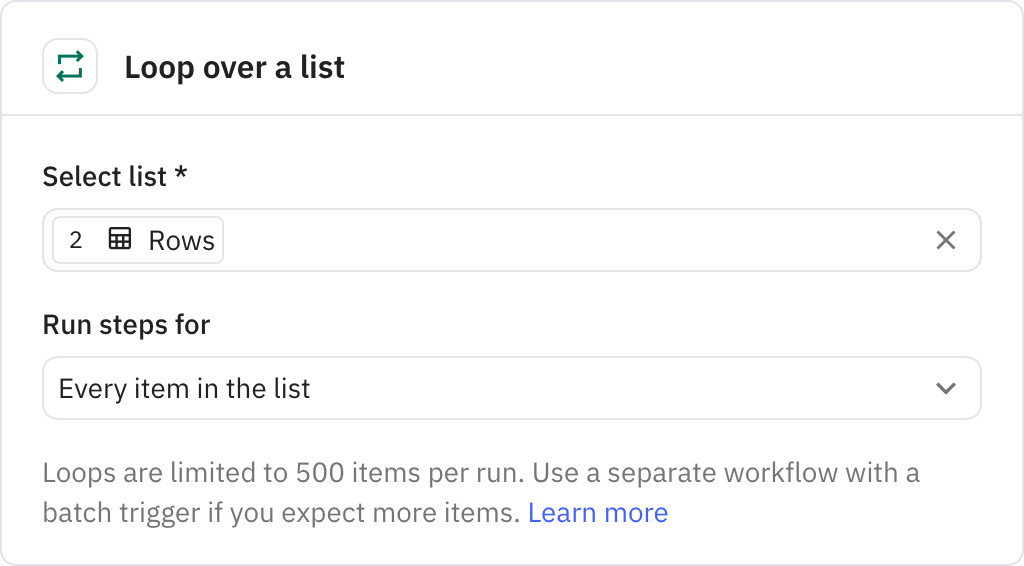
Iterates through each RSS feed in your table, processing them in parallel. For each feed, it runs the subsequent steps to fetch and process new posts.
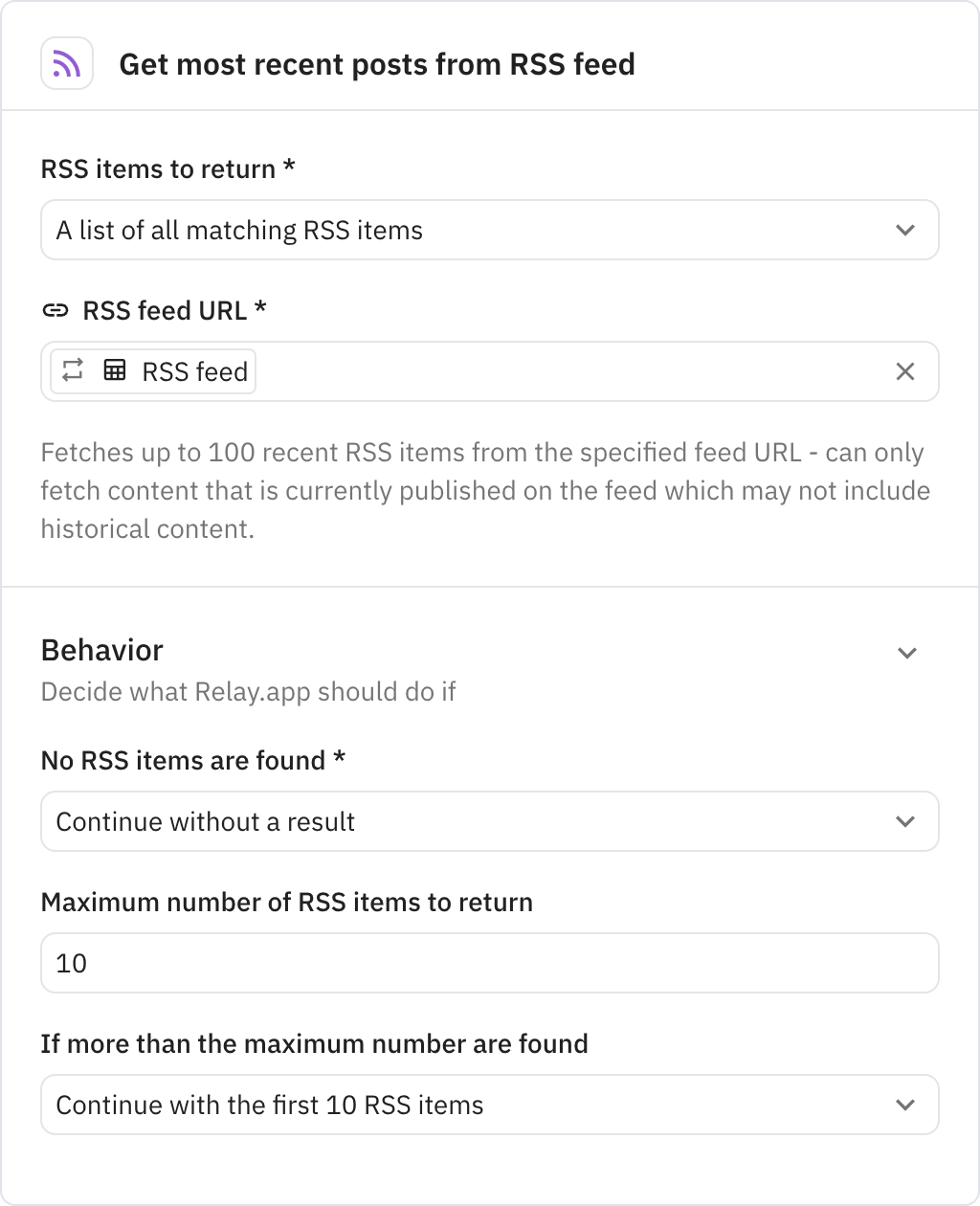
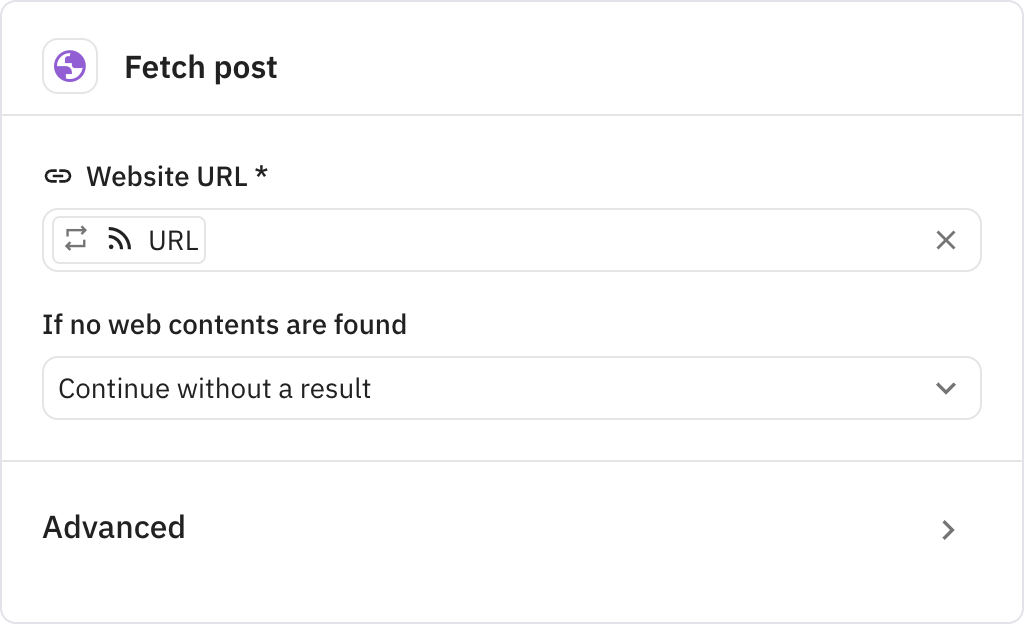
Fetches the 10 most recent RSS items from the current feed being processed. If no new items are found, the workflow continues without interruption.
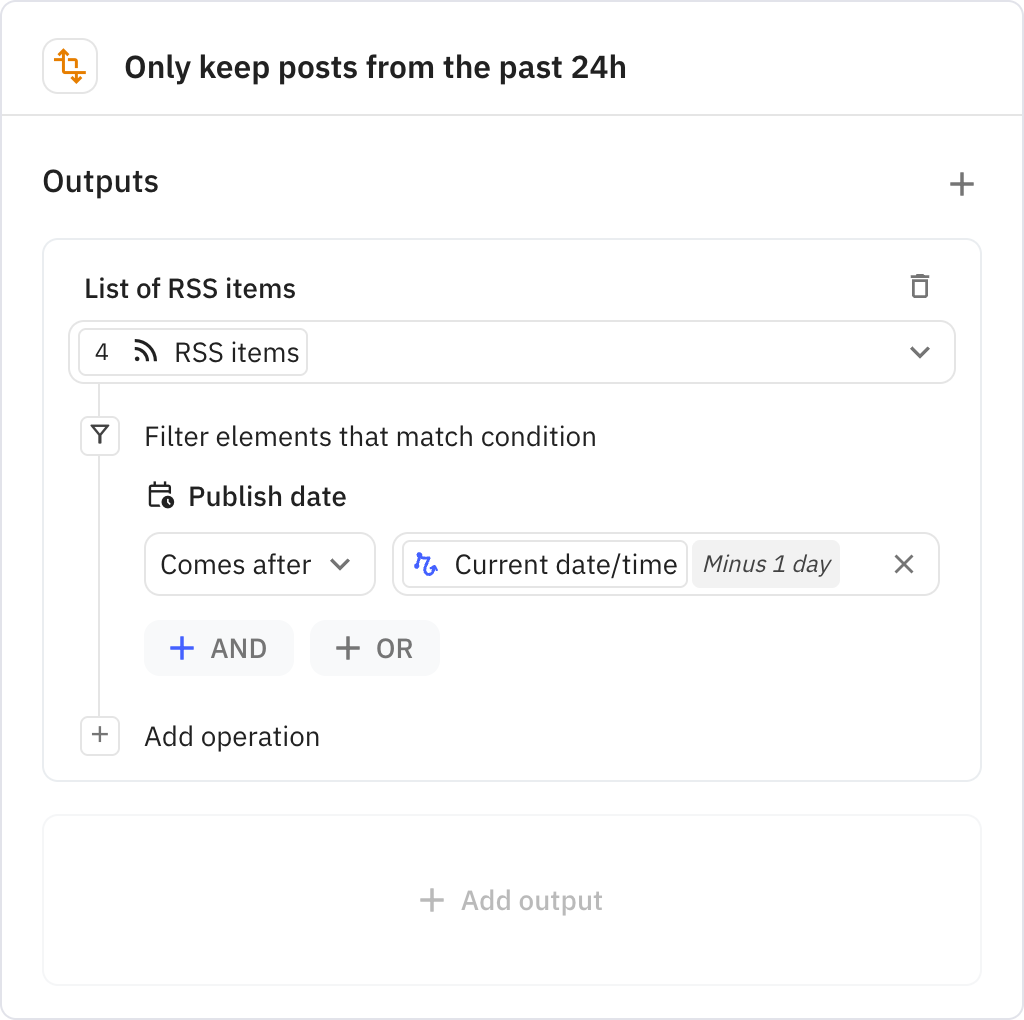
Filters the fetched RSS items to keep only posts published within the last 24 hours. This ensures your daily digest contains only fresh content.
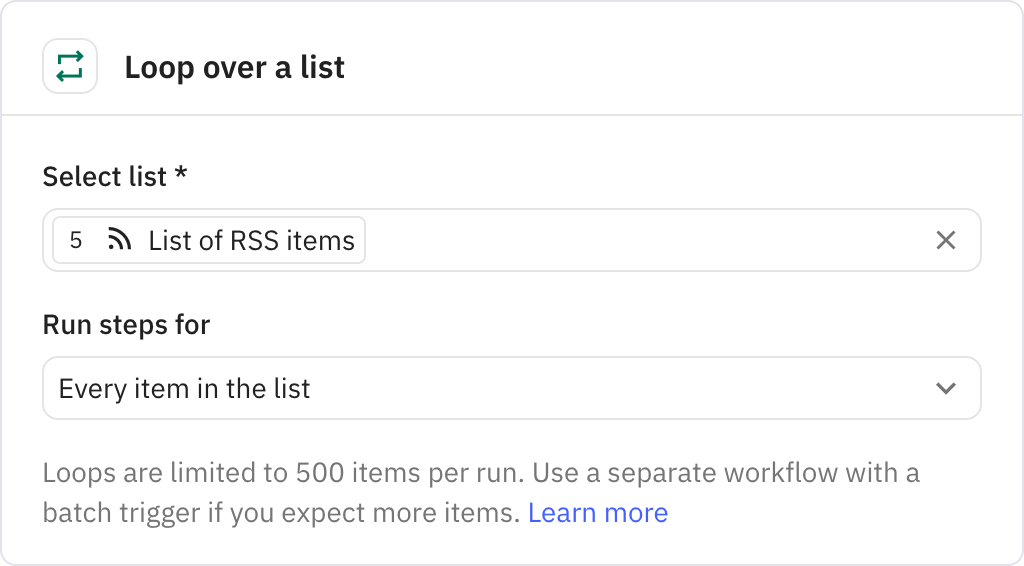
Iterates through each individual blog post that passed the 24-hour filter. For each post, it runs steps to scrape the full content and generate a summary.
Scrapes the full text content from the blog post's website, extracting only the main content while removing images. The scraper can be configured to handle anti-bot measures if needed.
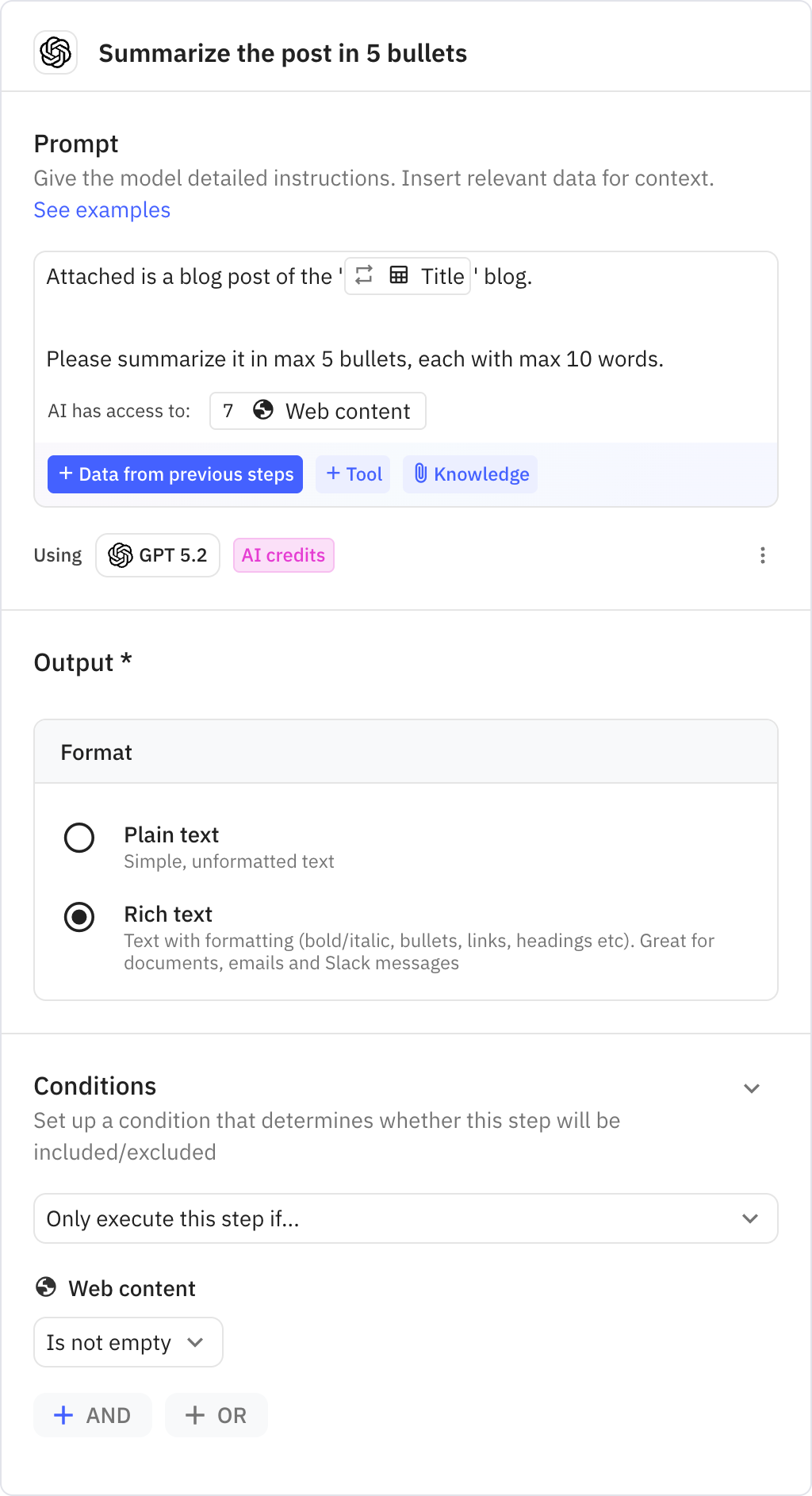
Uses AI to generate a concise summary of the scraped blog post in 5 bullet points or less, with each bullet limited to 10 words. This creates quick, scannable summaries for easy reading.
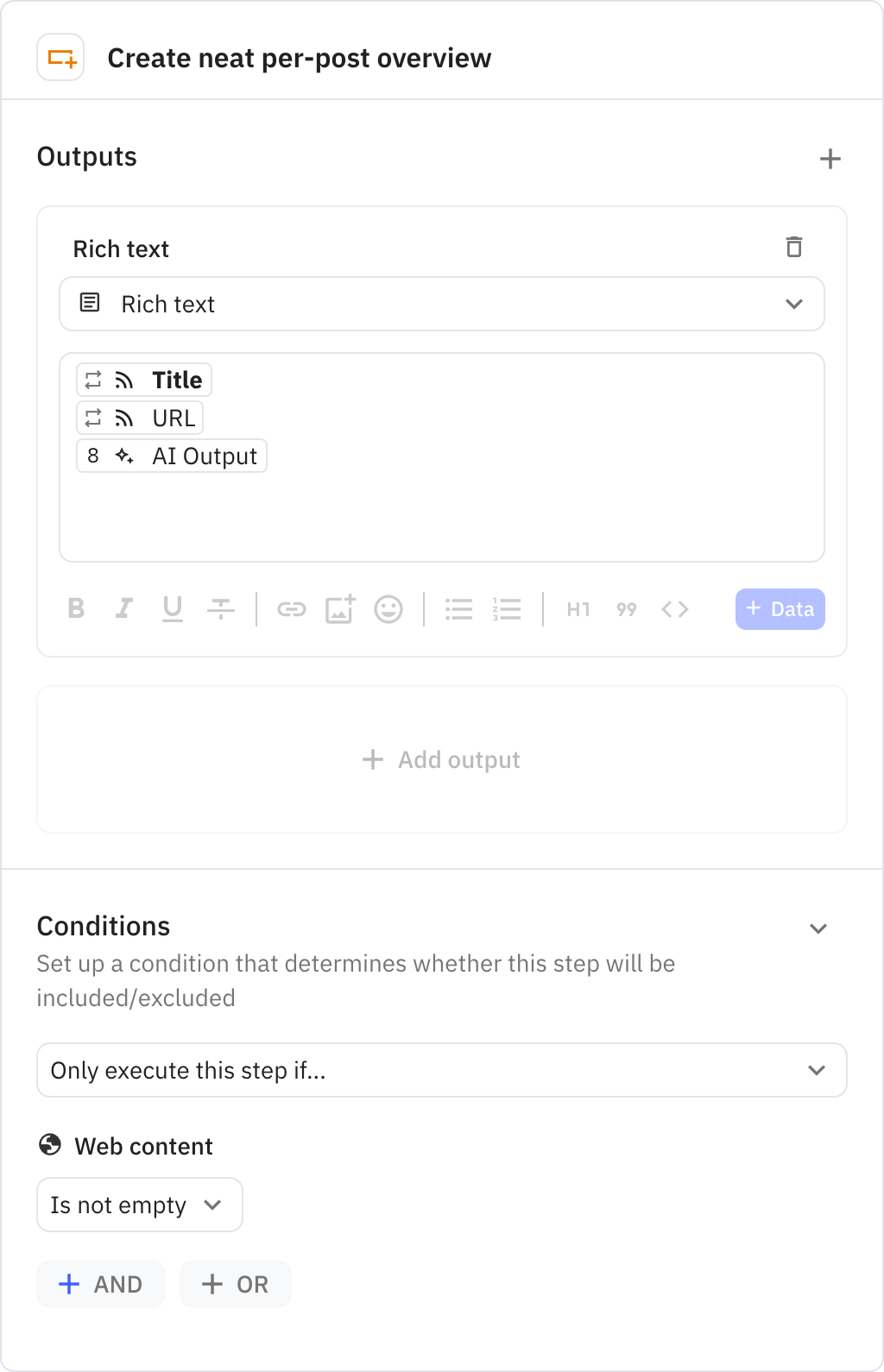
Formats each post's summary with its title and URL into a neat markdown layout. This creates a consistent presentation for each article in the digest.
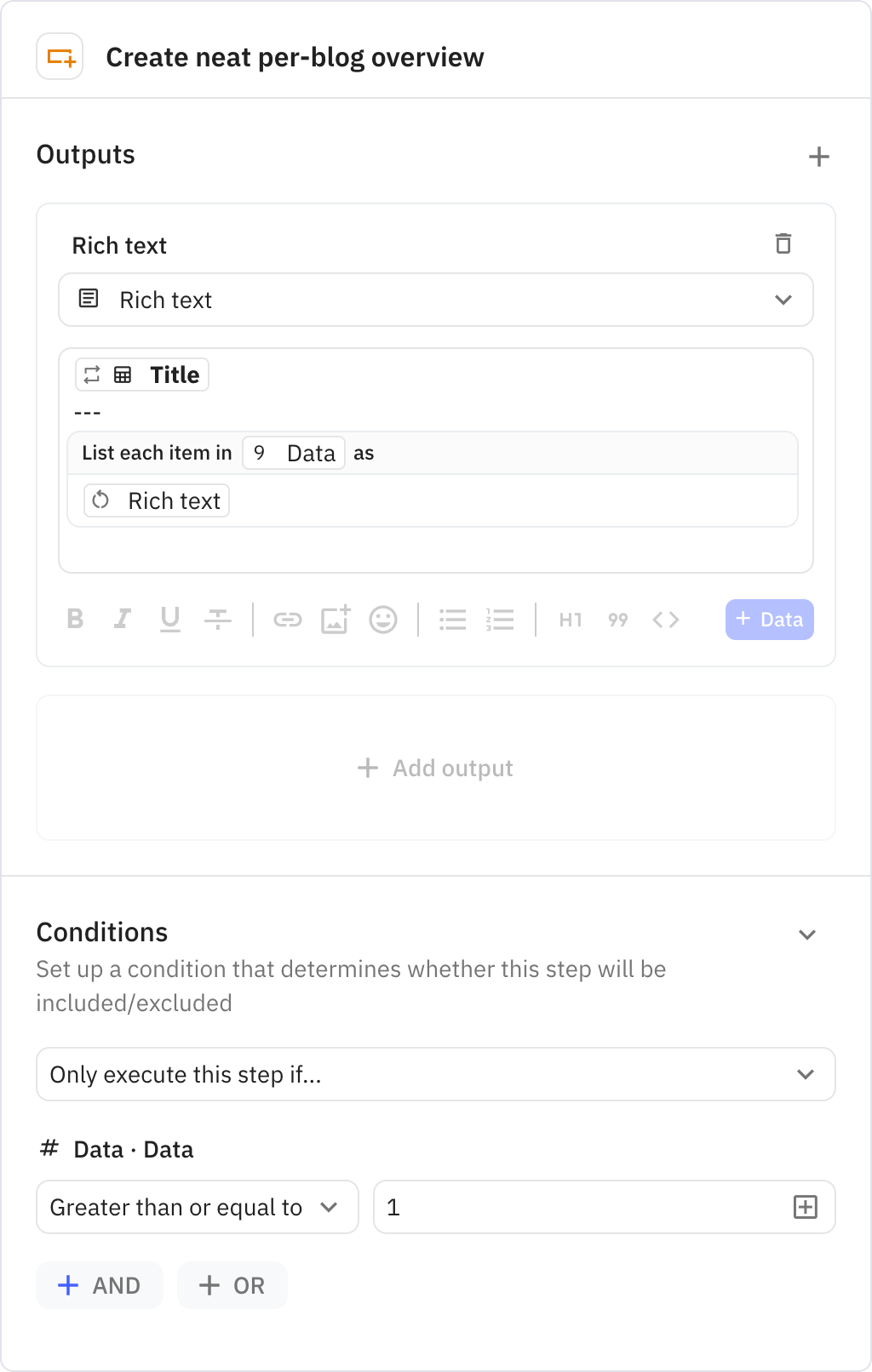
Compiles all post summaries from a single blog into a cohesive section with the blog's title as a header. This groups related content together for better organization.
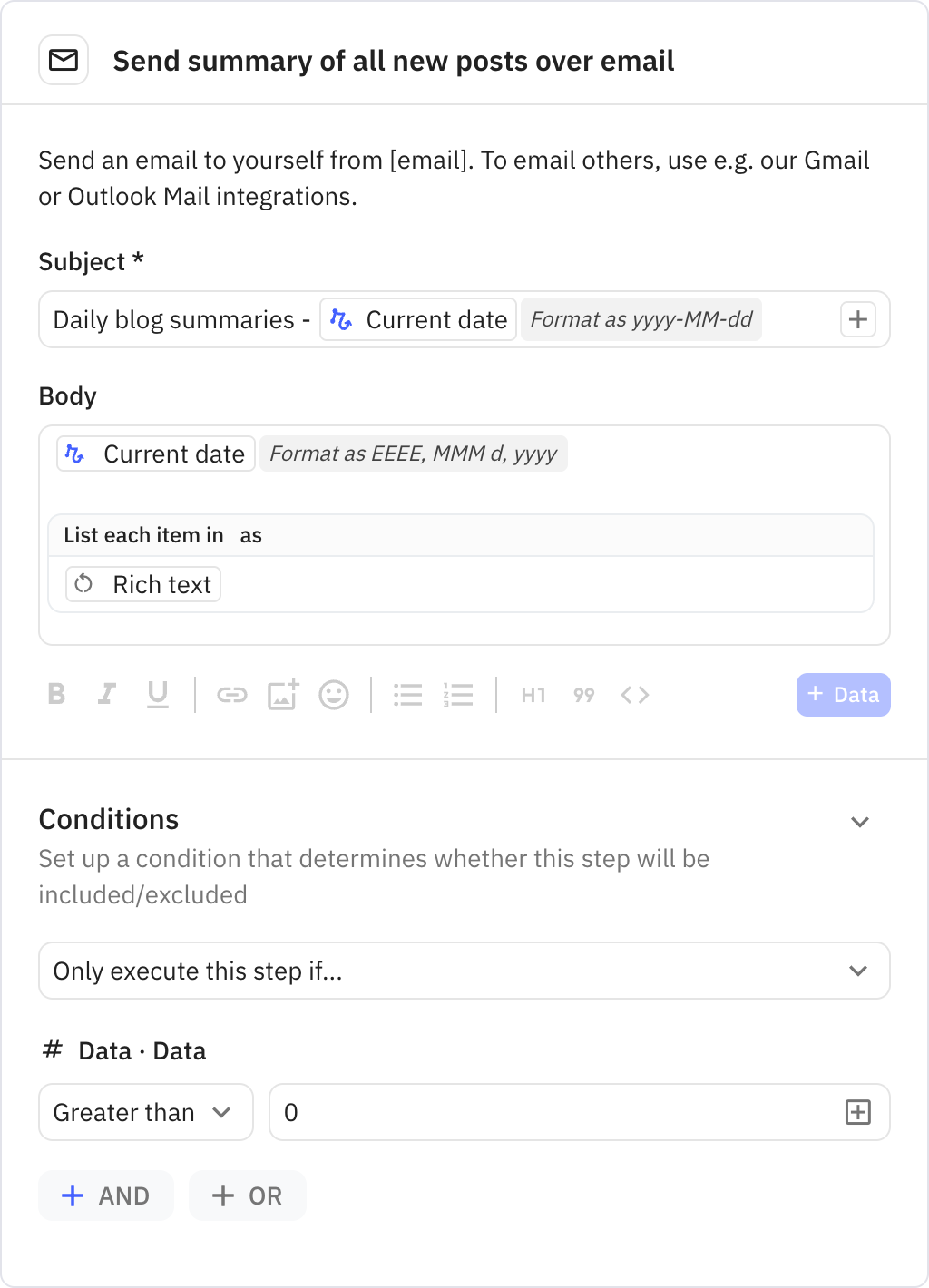
Sends the complete digest email to your inbox with all blog summaries organized by source. The email subject includes the current date for easy reference and archival.