A cloud-based workflow automation platform versus the viral open-source personal AI agent with 320k+ GitHub stars. Here's how Relay.app and OpenClaw actually compare in 2026.

Relay.app and OpenClaw are two of the most talked-about AI automation tools in 2026. But they solve fundamentally different problems, so picking between them isn't really an apples-to-apples comparison.
Relay.app is a cloud-based workflow automation platform built for teams. You describe what you want in plain language, and the Relay.app Agent builds the workflow for you. It connects to over 200 apps, runs 24/7 whether you're at your computer or not, and offers human-in-the-loop approvals so you can review AI outputs before anything important goes live. It's designed for both technical and non-technical users who need reliable, repeatable business automations.
OpenClaw is an open-source personal AI agent that runs on your own machine. Created by Peter Steinberger and now one of the fastest-growing open-source projects ever (320k+ GitHub stars), OpenClaw connects to you through WhatsApp, Telegram, Discord, Slack, and other chat apps. It can take real actions like sending emails, managing calendars, running shell commands, controlling your browser, and more. It has persistent memory, a community-built skills system with 100+ AgentSkills, and supports multiple AI models. It's powerful, but it requires self-hosting know-how or a paid cloud subscription to get started.
So which one's right for you? That depends on what you're actually trying to do. Let's break it down.
Relay.app vs OpenClaw: Which one should you actually use?
What is
Relay.app
?
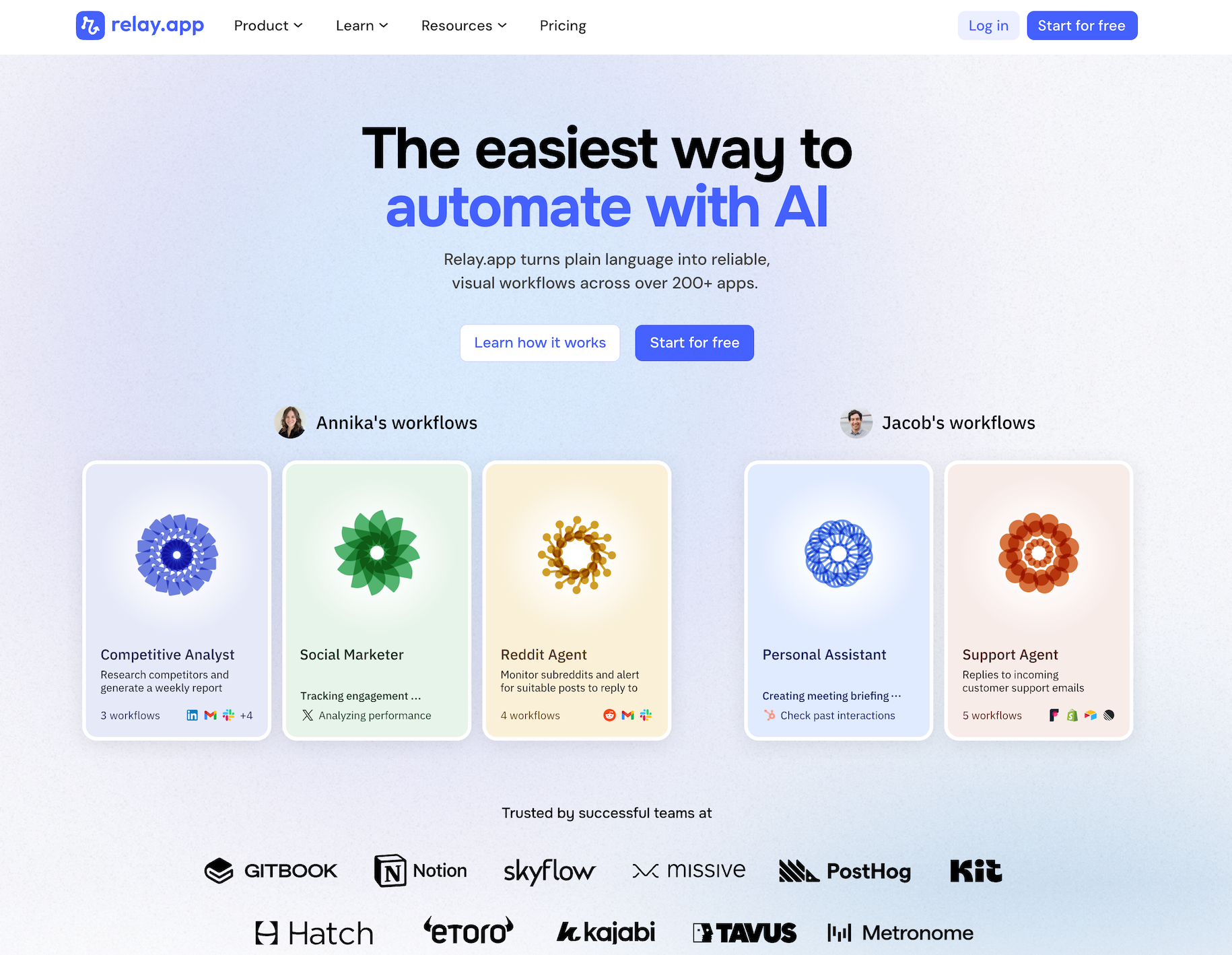
Relay.app is the easiest way to automate with AI. It turns plain language into reliable, visual workflows across over 200 apps. Non-technical users who have struggled with complex tools like Zapier or Make can create reliable AI workflows in minutes just by using plain language. Relay.app handles everything from creation to analysis, while built-in human-in-the-loop features ensure that you stay in control when the stakes are high.
Product details
Ease of use: Relay.app is designed for teams of all technical abilities to automate in minutes.
AI Agent creation: Use natural language to build and improve complex AI workflows effortlessly.
Human-in-the-loop: Add checkpoints to pause workflows for human approval or data entry when needed.
Collaborative features: Share workflows and app connections across your team for seamless multiplayer automation.
Built-in AI models: Access the best models from OpenAI, Anthropic, and more using included AI credits.
Stateful data with Tables: Store and update structured data directly within Relay.app to use across flows.
Technical power: Advanced users can leverage custom JavaScript, MCP servers, and custom HTTP requests.
200+ native integrations: Deeply connected with popular tools like Notion, Gmail, and HubSpot.
Pricing
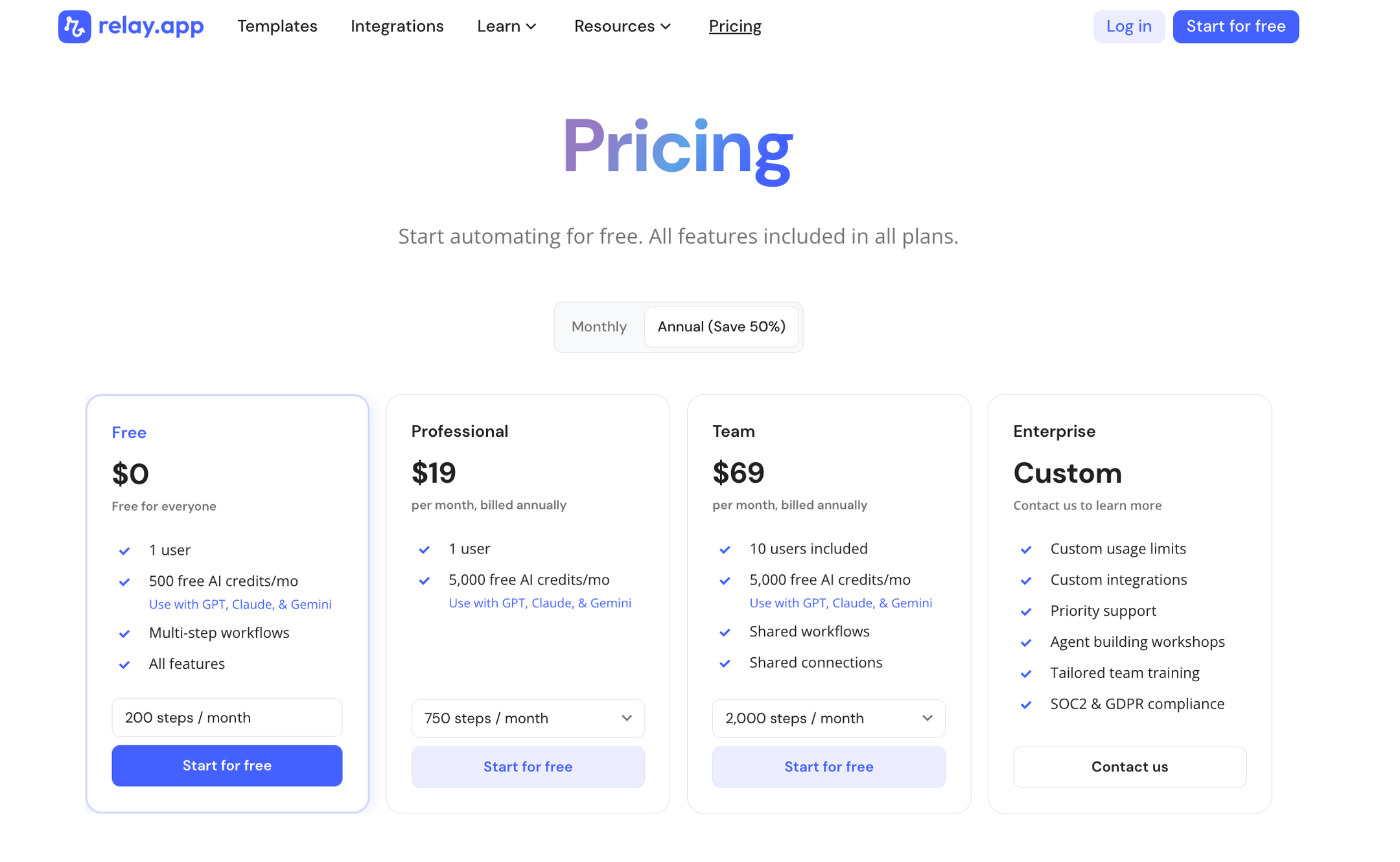
Relay.app offers a range of plans including a generous free tier. All plans include free test runs so you can validate your workflows before they go live.
Free: $0/month for 1 user, 200 steps, and 500 AI credits
Professional: $19/month (billed annually) for 1 user, 750 steps, and 2,000 AI credits
Team: $59/month (billed annually) for up to 10 users, 1,500 steps, and 2,000 AI credits
Enterprise: Custom pricing for organizations with advanced usage or security requirements
What is
OpenClaw
?
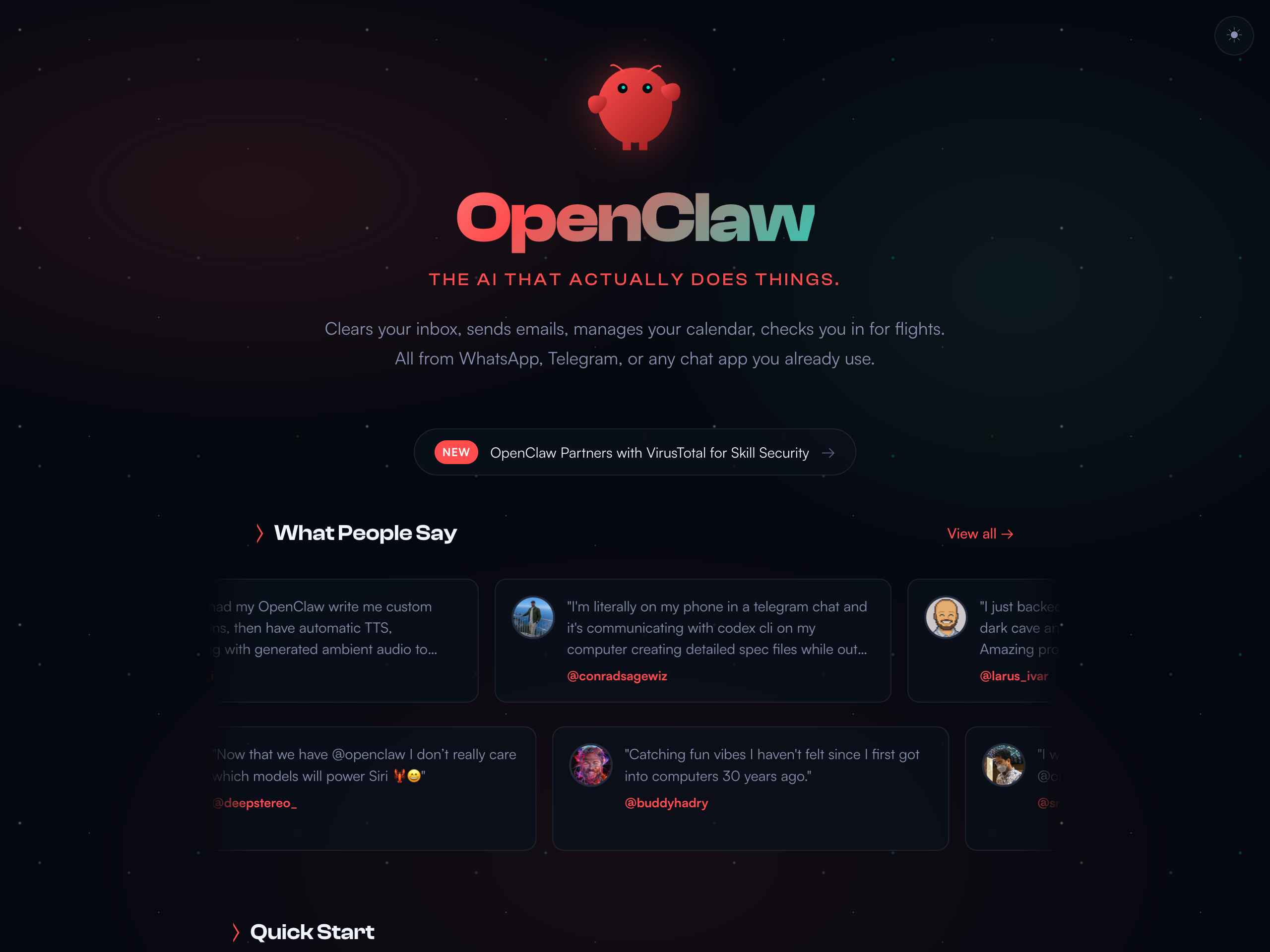
OpenClaw is an open-source personal AI assistant that runs on your own machine and connects to you through your chat apps. It features persistent memory, full system access, browser control, and an extensible skill system that lets it take real actions like sending emails, managing calendars, running shell commands, and monitoring websites. OpenClaw supports Anthropic, OpenAI, and local models, keeping your data private by default. It has a passionate developer community and over 50 integrations, offering both a fully managed cloud subscription and a self-hosted option.
Product details
Runs on your own machine: Keep your data private by default with support for Mac, Windows, Linux, and local AI models.
Works across chat apps: Talk to your assistant via WhatsApp, Telegram, Discord, Slack, Signal, or iMessage.
Persistent memory and context: Remembers your preferences, past conversations, and business context across sessions.
Full system access: Read and write files, run shell commands, execute scripts, and control your web browser.
Extensible with skills and plugins: Use community-built skills, create your own, or let OpenClaw write them for you.
Companion app: Access your assistant directly from the macOS menubar alongside the CLI tool.
Flexible deployment: Choose between a fully managed cloud version or a self-hosted option for complete control.
Pricing
OpenClaw offers a fully managed cloud subscription and a free open-source version for self-hosting.
Self-Hosted (Own Hardware): $0/month for complete data control using your own machine (requires LLM API keys and technical setup)
Self-Hosted (VPS): $5 to $50/month for server costs, plus $20 to $200/month for API usage
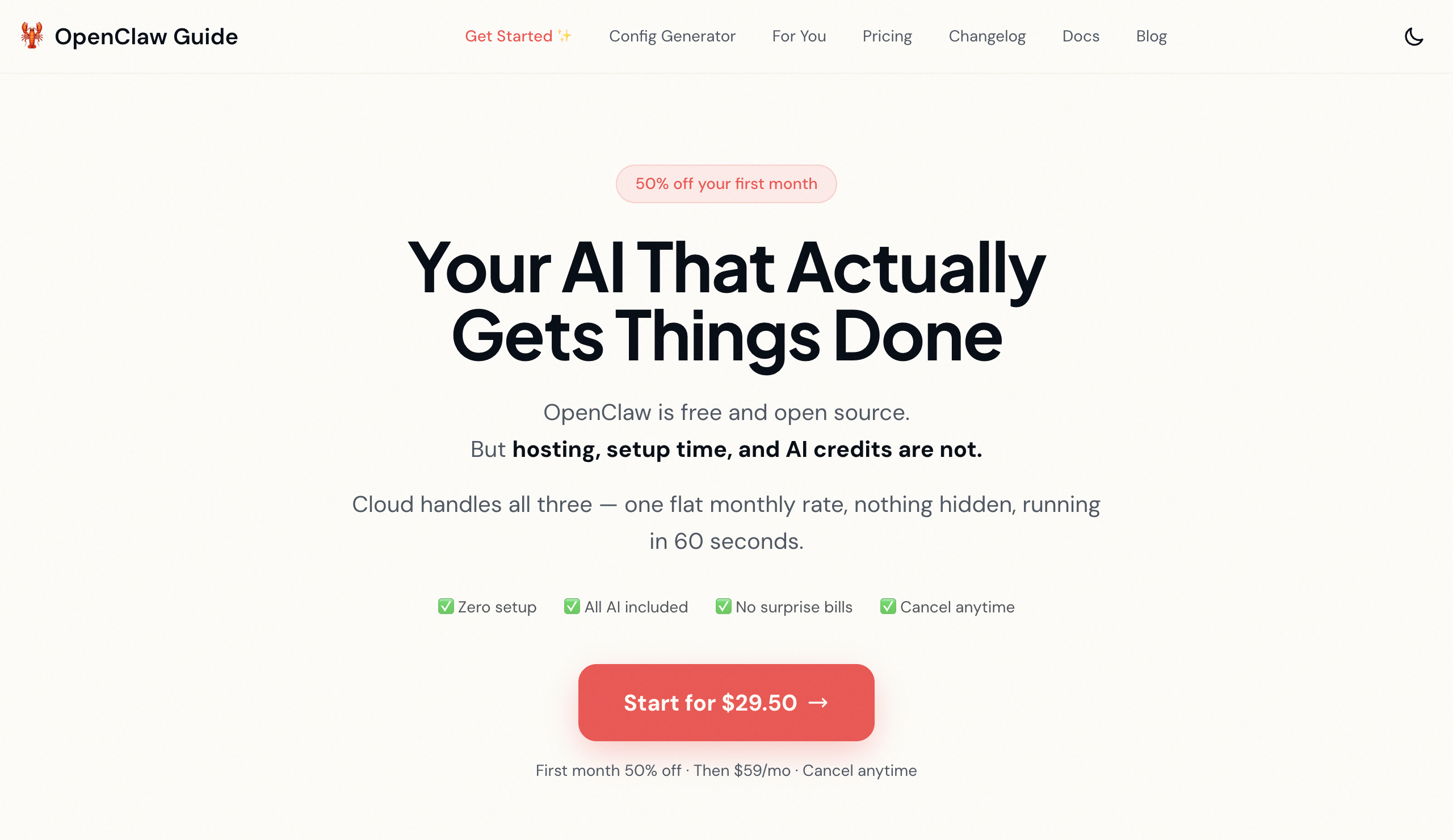
OpenClaw Cloud: $59/month ($29.50 for the first month) for a fully managed setup with all API costs included, zero setup, and automatic updates
How they compare on what matters
Ease of setup and use
With Relay.app, pretty much anyone can get a useful workflow live in minutes. Sign up, describe what you're trying to build, and the Relay.app Agent builds it for you. No technical configuration needed beyond connecting your apps. It's intentionally designed for people who aren't developers (though developers like it too).
OpenClaw requires real technical chops to self-host. You need to be comfortable with Node.js, the command line, and server management. One of OpenClaw's own maintainers has publicly warned that if you can't use a command line, the project is too dangerous for you to run safely. There are managed hosting options like OpenClaw Cloud ($59/month) and third-party hosts like KiloClaw, but even those assume familiarity with AI tooling.
AI model support
Relay.app has the best AI models built in, with no API keys needed. OpenAI, Anthropic, Gemini, and more. They run on Relay.app's AI credits, so you don't need to manage API keys or worry about token costs (though you can still connect your own keys if you prefer).
OpenClaw is model-agnostic and supports Anthropic, OpenAI, Gemini, DeepSeek, and local models. But you're managing your own API keys and costs. Token usage can get expensive fast. Heavy automation with premium models can run $200+/month in API costs alone, though you can cut costs significantly by using local or smaller models for simpler tasks.
Workflow building
This is the core difference between these two products. Relay.app is a workflow builder for repeated work. OpenClaw is a chat-based agent for ad-hoc tasks.
Relay.app builds visual workflows with a clear representation of what happens every time they run. Simple workflows are a straightforward list of automations. But it also supports branching, looping, custom code, webhooks, and HTTP calls for more advanced use cases.
OpenClaw doesn't have a visual workflow builder. You interact with it through chat, and it figures out what to do. That's incredibly flexible for one-off tasks, but it means you don't get the same predictability and transparency for repeatable business processes. OpenClaw does support cron jobs and scheduled tasks, but these are configured through code, not a visual interface.
Human-in-the-loop
Relay.app lets you add human-in-the-loop checkpoints anywhere in a workflow so a real person signs off before the AI takes action. This is critical for anything customer-facing or high-stakes.
OpenClaw is designed to act autonomously by default. It can send emails, execute code, and control your browser without asking first. That's powerful, but it's also risky. There's no built-in approval workflow, and the security model is operator-trust-based, meaning the AI has broad access to your credentials and services.
Integrations
Relay.app has over 200 deep native integrations with popular business tools, including productivity apps, CRMs, project management platforms, databases, and more. Relay.app's native integrations are carefully designed to be as easy to use as possible. If a native integration doesn't exist, you can still use custom HTTP requests.
OpenClaw has 50+ integrations spanning chat apps, productivity tools, smart home devices, music platforms, and more, plus a community-built skills marketplace with 100+ AgentSkills. But the quality of community skills varies, and installing a skill means trusting its author with the same access your core assistant has.
Security and privacy
Relay.app is a managed cloud platform with standard SaaS security practices. Your workflows and data are handled securely, and human-in-the-loop approvals give you a safety net for AI-generated outputs.
OpenClaw keeps your data local by default, which is great for privacy. However, the broad permissions it needs to function have drawn serious scrutiny. Cisco's security research team found documented cases of data exfiltration through third-party skills and prompt injection vulnerabilities. In early 2026, Chinese authorities went so far as to restrict state agencies and enterprises from running OpenClaw on office computers due to security risks. Self-hosting securely takes real effort and expertise.
Pricing differences
Relay.app has a free tier to get you started with 200 automation steps and 500 AI credits per month. Paid plans start at $19/month. All plans include free test runs so you can validate your workflows before they go live.
OpenClaw is free to self-host, but you'll pay for your own infrastructure and LLM API keys. Realistically, that's anywhere from $25 to $250+/month depending on usage and model choice. The managed OpenClaw Cloud option is $59/month with API costs included. Third-party managed hosts like KiloClaw start around $8/month plus API costs.
The bottom line
Choose Relay.app if you want reliable, repeatable workflow automation that connects your apps, runs 24/7 in the cloud, and gives you human oversight. It's the best choice for teams, non-technical users, and really anyone who needs AI workflows they can trust in production.
Choose OpenClaw if you're a developer or power user who wants a personal AI agent with deep system access, persistent memory, and the flexibility to do almost anything on your machine. Just know that you're also signing up for infrastructure management and security responsibility.
For most business use cases, like automating lead workflows, syncing data between apps, processing documents, and managing approvals, Relay.app is the clear winner. It's faster to set up, easier to maintain, and gives you guardrails that OpenClaw simply doesn't have.
OpenClaw is a genuinely impressive open-source project with a massive community and real utility for personal productivity and developer workflows. But if you need something you can hand to your team and trust to run reliably, that's Relay.app.
Jacob Bank
Founder/CEO at Relay.app

Jacob is the Founder and CEO of Relay.app. Prior to founding Relay.app, Jacob was a Director of Product Management at Google, where he led the product teams for Gmail, Google Calendar, and several other Google Workspace products. Before that, Jacob was the Co-founder and CEO of Timeful (acquired by Google in 2015), a smart calendar that leveraged insights from behavioral psychology and AI to help people spend time on their most important priorities. He has a BA in Computer Science from Cornell University and was pursuing a PhD in the AI Lab at Stanford before dropping out to found Timeful.
FAQs
What does human-in-the-loop mean?
Is a cloud-based automation tool like Relay.app better than a desktop AI agent?
Should I use a general-purpose AI agent or a workflow automation tool for my business?
What's the difference between AI agents and workflows?
