Relay.app and Make take very different approaches to workflow automation. Compare their AI capabilities, ease of use, pricing, and integrations to find the right fit in 2026.

If you're trying to decide between Relay.app and Make, you're looking at two very different philosophies of workflow automation.
Make is a visual, canvas-based platform built for power users. It connects to over 3,000 apps and supports advanced logic like branching, filtering, iteration, and error handling. Make has gone all-in on AI with next-gen Make AI Agents integrated directly into the Scenario Builder, complete with a reasoning panel, multimodal inputs, and dynamic routing. If you think in flowcharts and want maximum control, Make is impressive.
Relay.app takes the opposite approach. Relay.app is designed so that anyone, technical or not, can build AI-powered workflows in minutes. You describe what you want in plain language, and the Relay.app Agent builds, edits, and improves your workflows for you. AI models from OpenAI, Anthropic, and Google are built right in with no API keys required. And human-in-the-loop approvals are available on every plan, so you can review what the AI produces before it goes anywhere.
Both platforms are capable. But they're built for different people, and the right choice depends on what you actually need.
Here's how they stack up across the criteria that matter most right now.
Relay.app vs Make: How they compare in 2026
What is
Relay.app
?
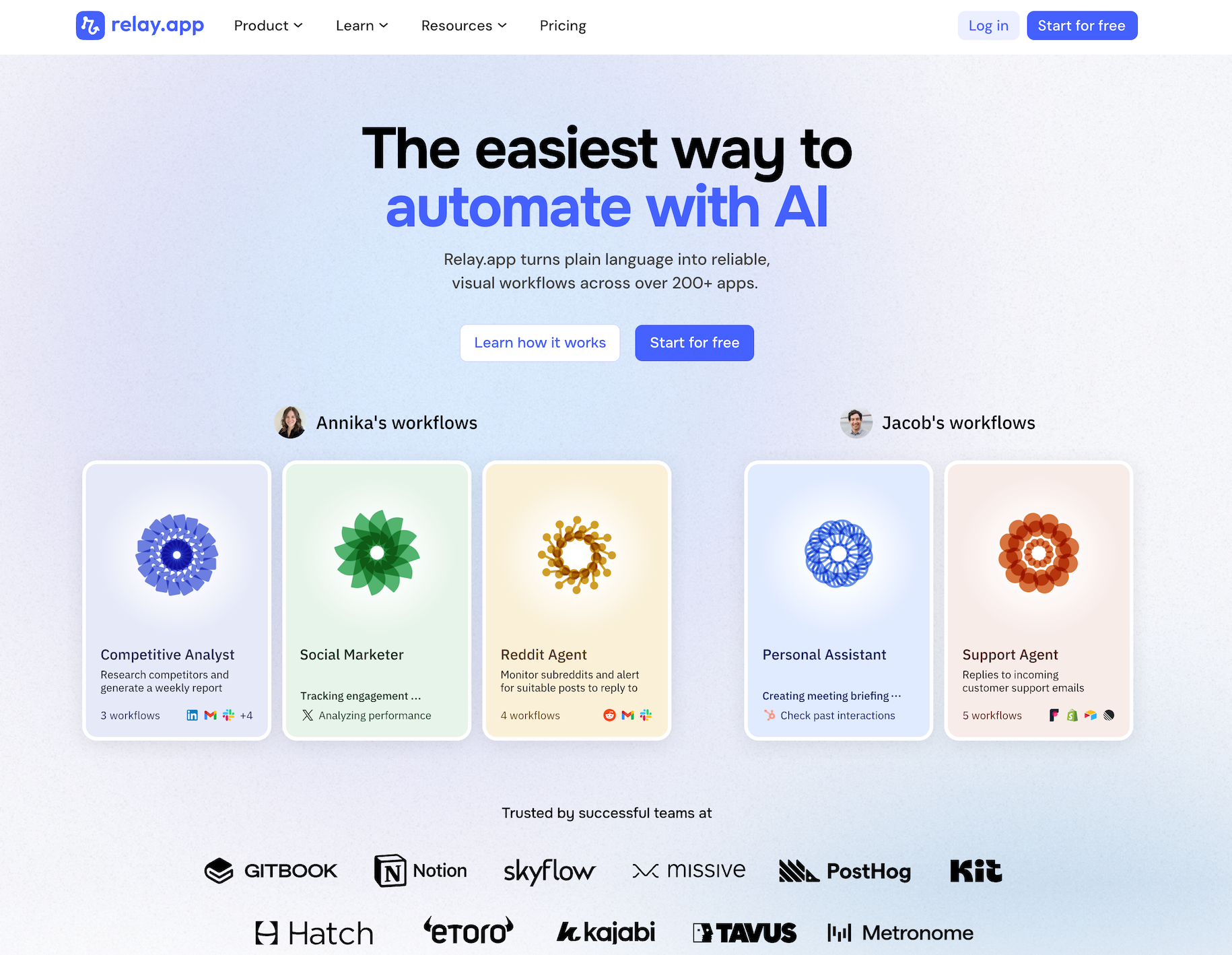
Relay.app is the easiest way to automate with AI. It turns plain language into reliable, visual workflows across over 200 apps. Non-technical users who have struggled with complex tools like Zapier or Make can create reliable AI workflows in minutes just by using plain language. Relay.app handles everything from creation to analysis, while built-in human-in-the-loop features ensure that you stay in control when the stakes are high.
Product details
Ease of use: Relay.app is designed for teams of all technical abilities to automate in minutes.
AI Agent creation: Use natural language to build and improve complex AI workflows effortlessly.
Human-in-the-loop: Add checkpoints to pause workflows for human approval or data entry when needed.
Collaborative features: Share workflows and app connections across your team for seamless multiplayer automation.
Built-in AI models: Access the best models from OpenAI, Anthropic, and more using included AI credits.
Stateful data with Tables: Store and update structured data directly within Relay.app to use across flows.
Technical power: Advanced users can leverage custom JavaScript, MCP servers, and custom HTTP requests.
200+ native integrations: Deeply connected with popular tools like Notion, Gmail, and HubSpot.
Pricing
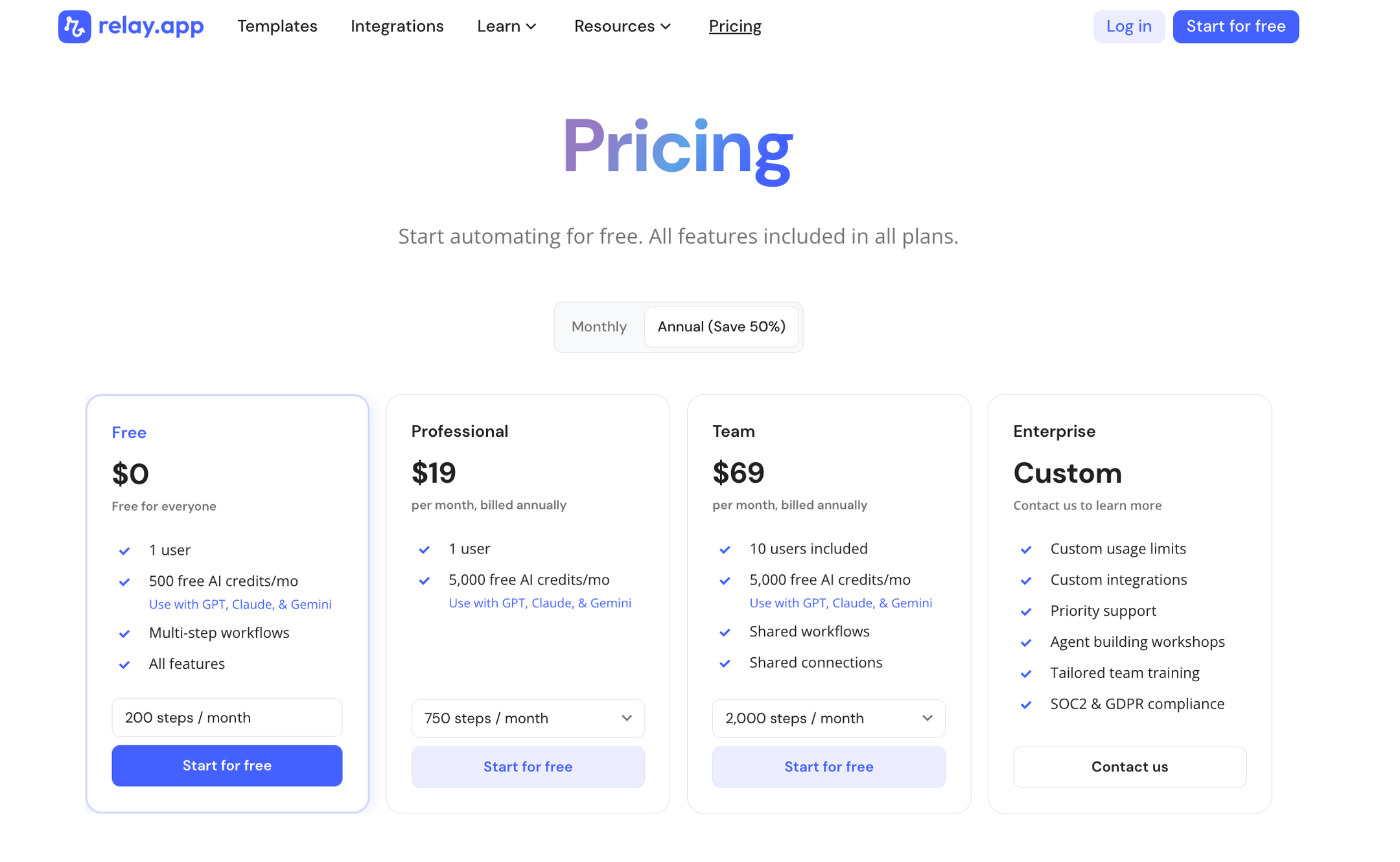
Relay.app offers a range of plans including a generous free tier. All plans include free test runs so you can validate your workflows before they go live.
Free: $0/month for 1 user, 200 steps, and 500 AI credits
Professional: $19/month (billed annually) for 1 user, 750 steps, and 2,000 AI credits
Team: $59/month (billed annually) for up to 10 users, 1,500 steps, and 2,000 AI credits
Enterprise: Custom pricing for organizations with advanced usage or security requirements
What is
Make
?
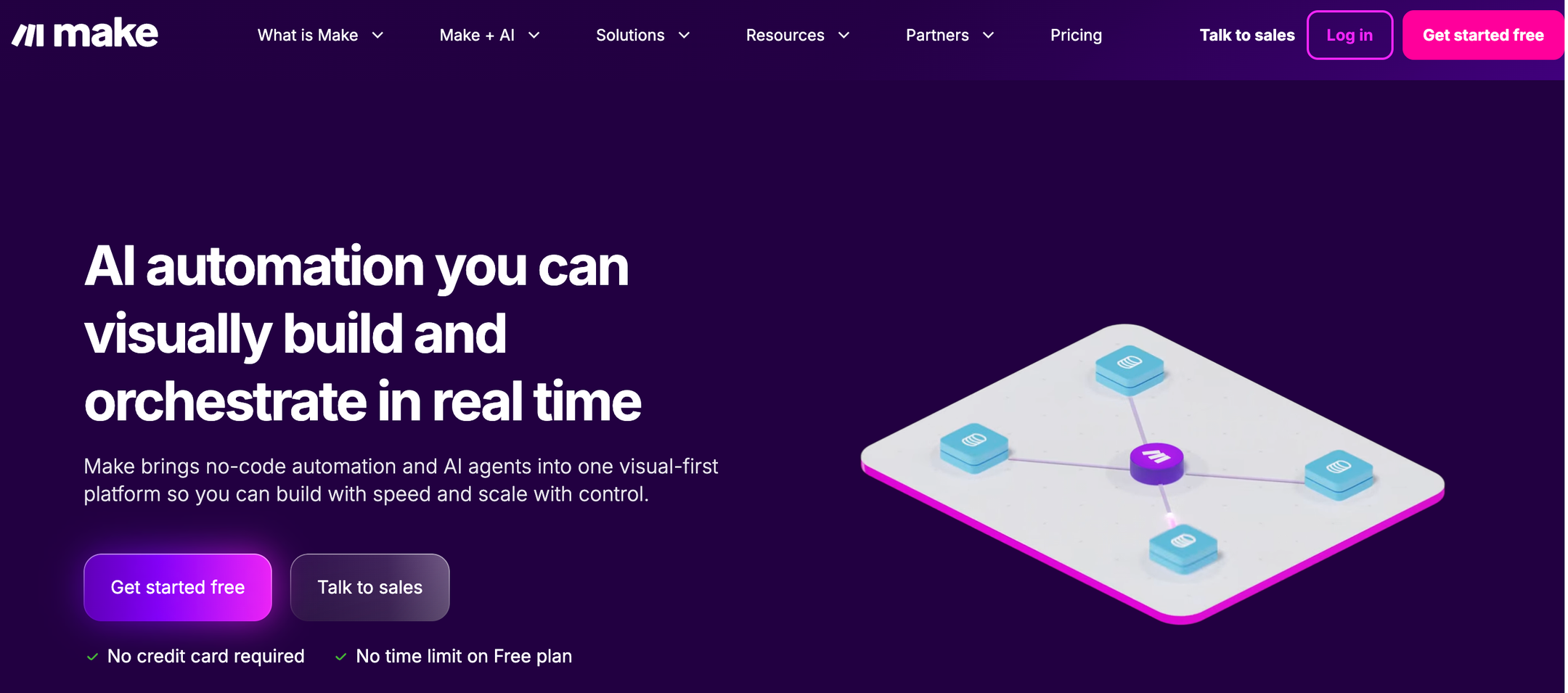
Make is a visual-first no-code automation platform that lets you design complex workflows on a canvas by connecting modules from 3,000+ apps. It supports advanced logic like branching, filtering, iteration, and error handling, making it popular with power users who need more control than simpler tools offer. Make has recently expanded into AI with beta AI Agents, an AI Toolkit, MCP server support, and 400+ AI app integrations including OpenAI, DeepSeek, and Perplexity. Make is well-suited for technical users and teams that need to build sophisticated, multi-step automations with granular control over every step.
Product details
Visual scenario builder: The canvas-based editor lets you see exactly how data flows through your automation, making it great for debugging and complex logic.
Advanced workflow logic: Supports branching, filtering, iteration, and error handling that most simpler tools can't match.
Strong integration library: Connects with 3,000+ apps, with deep action support across most of them.
AI agents and integrations: Connect 350+ AI apps, build and manage AI Agents, and use the Make MCP Server to connect AI from anywhere.
Generous pricing relative to complexity: Make offers more operations per dollar than Zapier, making it attractive for higher-volume automations.
Steep learning curve: Make's power comes at a cost, as non-technical users typically need 10 to 20 hours before feeling comfortable with concepts like routers and iterators.
Pricing
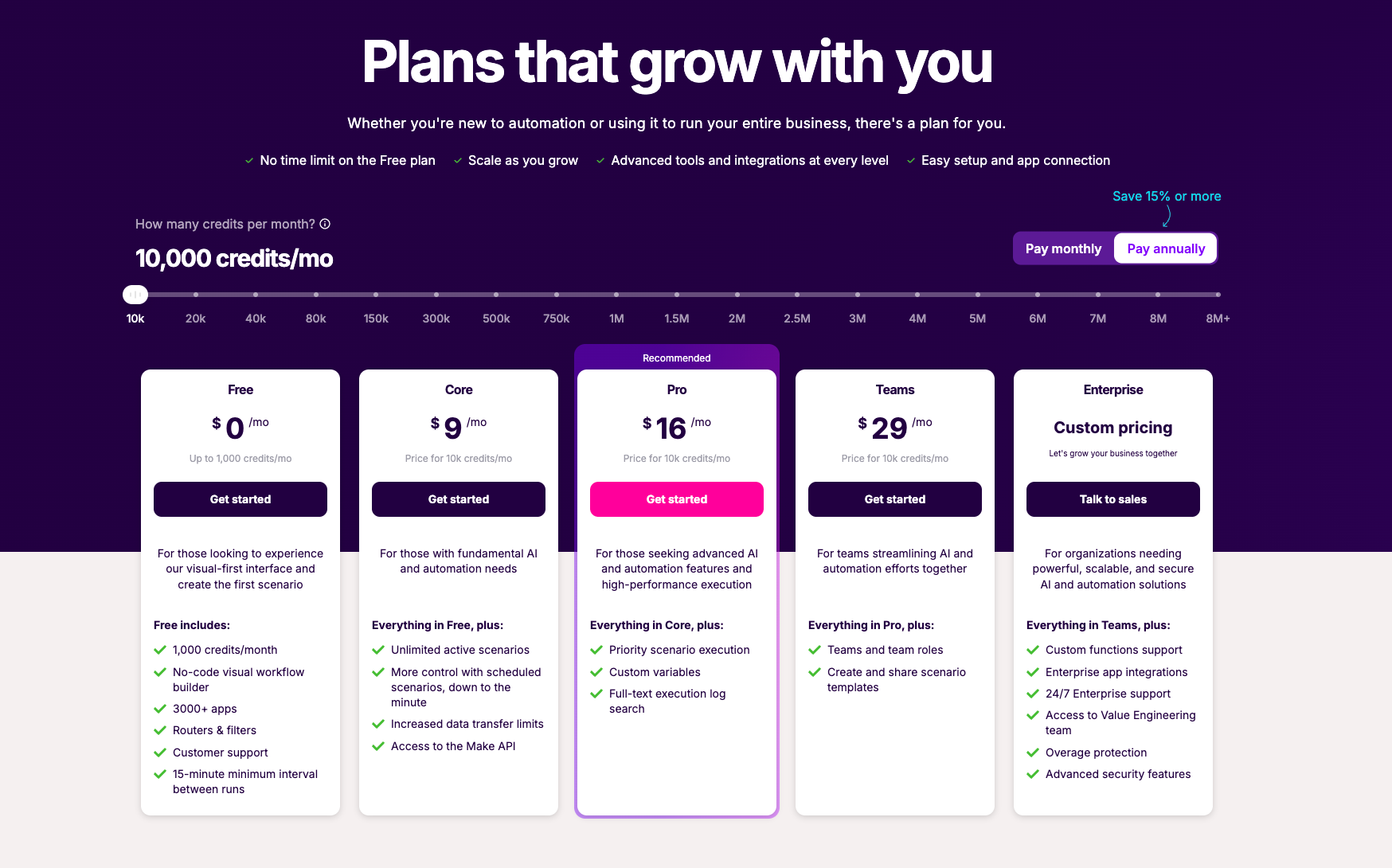
Make offers a free tier for basic needs and paid plans based on monthly credit usage and advanced features.
Free: $0/month for 1,000 credits/month and a no-code visual workflow builder
Core: $12/month for 10,000 credits/month, unlimited active scenarios, and scheduled scenarios
Pro: $21/month for 10,000 credits/month, priority scenario execution, and custom variables
Teams: $38/month for 10,000 credits/month, teams and team roles, and scenario templates
Enterprise: Custom pricing for enterprise app integrations, 24/7 support, and advanced security
Key differences at a glance
AI capabilities
Both Relay.app and Make have invested heavily in AI, but the experience is very different. Relay.app makes working with AI effortless:
All the best AI models (OpenAI, Anthropic, Gemini, and more) are built in and run on Relay.app's AI credits, no API keys needed
You can chat with the Relay.app Agent to create, edit, improve, and analyze workflows using plain language
Human-in-the-loop checkpoints let you review AI outputs before anything reaches customers or databases
Every workflow has a simple visual representation so you can see exactly what will happen each time it runs
Make has powerful AI features, but they're aimed at a more technical audience:Next-gen Make AI Agents are integrated into the Scenario Builder with a reasoning panel, multimodal inputs, and dynamic routing
400+ pre-built AI app integrations including OpenAI, DeepSeek, and Perplexity, but you manage your own API keys per model
MCP server support for connecting agents to external tools
Human-in-the-loop features exist, but they're limited to Enterprise customers and still in closed beta
Bottom line: If you want AI that works seamlessly out of the box with built-in safety rails, Relay.app wins. If you're technical and want a visual canvas to inspect how an AI agent reasons and routes decisions, Make is worth a look.
Ease of use
This is where the gap is widest. Relay.app is built for non-technical users who've struggled with tools like Zapier and Make. You can chat with the Relay.app Agent in natural language to build workflows, and the visual builder shows you exactly what will happen when they run. Most people can go from an idea to a working, reliable workflow in minutes.
Make is powerful but has a steep learning curve. Concepts like Routers, Iterators, and Aggregators take real investment to learn. Most new users need 10 to 20 hours before they're comfortable. The canvas-based editor is great for debugging complex logic, but it can overwhelm people who just want to get something running quickly.
Pricing
Relay.app has a generous free plan to get you started. All plans include free test runs so you can validate workflows before they go live.
Free: 200 automation steps + 500 AI credits/month
Professional: $19/month (billed annually) for 1 user
Team: $59/month (billed annually) for up to 10 users
Enterprise: Custom pricing
Make also offers a free plan:Free: 1,000 credits/month
Core: $9/month for 10,000 credits
Pro: $16/month for 10,000 credits + priority execution
Teams: $29/month for 10,000 credits + collaboration
Enterprise: Custom pricing
Make's credit-based model gives you more operations per dollar, which is attractive for high-volume automations. But Relay.app includes AI models out of the box with no separate API costs, and human-in-the-loop features aren't locked behind an enterprise paywall.
Integrations
Make has the clear advantage here with 3,000+ app integrations. It's one of the most connected platforms on the market. If you rely on niche or legacy tools, Make probably supports them.
Relay.app offers 200+ deep native integrations with popular tools, plus custom HTTP requests and webhooks to connect anything it doesn't cover natively. The integration library is smaller, but it covers the apps most teams actually use day to day. Relay.app's integrations are also designed to be as user-friendly as possible, so they're easier to set up and maintain.
Advanced capabilities
Make shines for power users:
Complex branching, filtering, and parallel processing
Custom API calls and data transformations
Reusable AI agents shared across multiple scenarios
Granular error handling and retry logic
Relay.app supports advanced use cases too. But its focus is on making them accessible, not just possible:Custom JavaScript, complex branching, and looping logic
MCP server support for connecting AI to external tools
Webhooks and custom HTTP calls for apps that aren't yet available natively
Stateful data with Tables, so you can store and update structured data directly in Relay.app
Security and compliance
Both platforms take security seriously. Relay.app is SOC 2 compliant and offers enterprise-grade security features. Make provides SOC 2 Type II, SOC 3, and GDPR compliance, along with SSO and encryption. For teams with strict compliance requirements, both platforms have you covered, though Make's enterprise tier includes more advanced security controls out of the gate.
So which one should you pick?
Choose Relay.app if:
You value simplicity and reliability over maximum configurability
You want to build AI workflows without needing a technical background
You have a small team and you want everyone onboard quickly
Human-in-the-loop approvals are important to your processes
You want easy access to the top AI models without managing API keys
Choose Make if:You're a power user or automation consultant who thinks in flowcharts
You use niche or legacy apps, so a library of 3,000+ integrations speaks to you
You want granular control over every step, route, and error path
You're comfortable managing your own AI API keys
You're running high-volume automations where cost per operation matters most
The verdict
In 2026, the automation landscape has shifted toward AI-native platforms that make it easy for anyone to build intelligent workflows. Relay.app leads that charge. Relay.app is the fastest path from idea to working AI workflow, with human-in-the-loop approvals that give you confidence in what the AI is doing.
Make remains one of the most powerful visual automation platforms available. If you need advanced logic, massive integration coverage, and full control over every detail, Make is hard to beat.
But if ease of use, built-in AI, and human oversight are your priorities, Relay.app is the better choice for most teams.
Jacob Bank
Founder/CEO at Relay.app

Jacob is the Founder and CEO of Relay.app. Prior to founding Relay.app, Jacob was a Director of Product Management at Google, where he led the product teams for Gmail, Google Calendar, and several other Google Workspace products. Before that, Jacob was the Co-founder and CEO of Timeful (acquired by Google in 2015), a smart calendar that leveraged insights from behavioral psychology and AI to help people spend time on their most important priorities. He has a BA in Computer Science from Cornell University and was pursuing a PhD in the AI Lab at Stanford before dropping out to found Timeful.
FAQs
What's the best AI automation tool for small businesses and entrepreneurs?
Are Make and Integromat the same thing?
Is Relay.app better than Make for AI-powered automation?
How do Relay.app's AI credits work?
Are AI automation tools expensive to run because of token costs?
Which workflow automation tool has the best AI assistant for building and managing workflows?
Can Relay.app's AI assistant help me edit and fix my workflows?
